A Memonizer can be easy to overlook once it is installed. It sits near a router, travels with a phone, attaches to a vehicle, or becomes part of an everyday routine. Then something changes: you replace the device, move to a new home, notice wear, or simply wonder whether the product still needs attention.
Here is the short answer: most Memon products are described by the manufacturer as generally maintenance-free, but maintenance-free does not mean indestructible or suitable for every new setting without review. Correct placement, careful handling, visual checks, and the right product size or model still matter.
This Memonizer maintenance guide explains what owners can check themselves, when a product change may require a new installation decision, and when it is best to contact the seller for help.
Quick answer: Keep your product in its intended position, protect it from avoidable physical damage, inspect its attachment and exterior occasionally, and review its suitability whenever you change the connected device, vehicle, router, home, or business location. The manufacturer currently estimates about 20 years of use under appropriate handling, installation, and sizing, while noting that mobile products may show physical wear sooner. The MemonizerWATERFILTER is an exception because it contains wear parts that require replacement.
Do Memonizers Need Maintenance?
According to the official Memon FAQ, Memon products are generally maintenance-free. In practical terms, owners are not being asked to schedule routine electronic servicing, install software updates, or recharge the products as part of a standard maintenance cycle.
However, three forms of owner care still make sense:
- Placement care: Keep the product installed or used in the location specified for that model.
- Condition care: Look for physical wear, a weakened attachment, damage, or anything that prevents normal use.
- Suitability care: Recheck the product model, size, and setup after a meaningful change, such as a new phone, router, vehicle, home, or workplace.
The manufacturer identifies the MemonizerWATERFILTER as a special case because its wear parts must be changed. Follow the instructions for your exact water-filter configuration or ask for product-specific service guidance.
What “Maintenance-Free” Really Means
“Maintenance-free” is helpful language, but it is easy to interpret too broadly. It does not mean that a product can never be damaged, that adhesives and straps last forever, or that the same configuration automatically fits a different building or device.
It helps to separate two ideas:
- Expected service life refers to how long the manufacturer expects a properly handled, installed, and sized product to remain suitable for its intended use.
- Physical condition refers to the visible state of the housing, coating, attachment, strap, or other material components.
Those timelines may not be identical. A mobile or wearable product experiences more contact, movement, heat, friction, and accidental impact than a product installed in a protected location. That is why an exterior can show wear earlier even when the product has not reached the manufacturer’s general lifespan estimate.
For a focused explanation of the estimate itself, read What Is the Lifespan of Memonizers?.
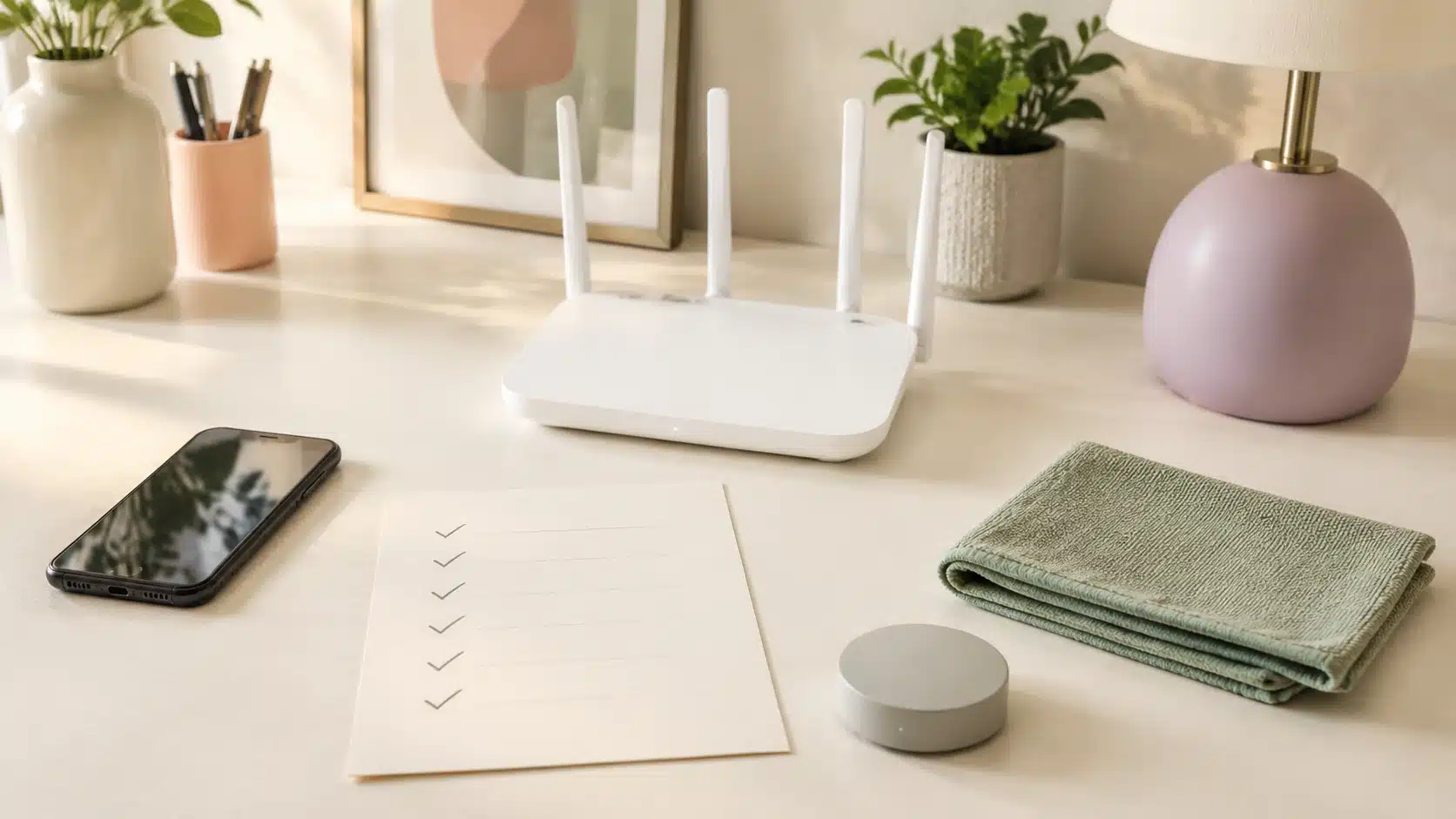
An 8-Step Memonizer Maintenance Checklist
Use this simple checklist every few months and whenever your setup changes. It takes only a few minutes.
1. Identify the exact product
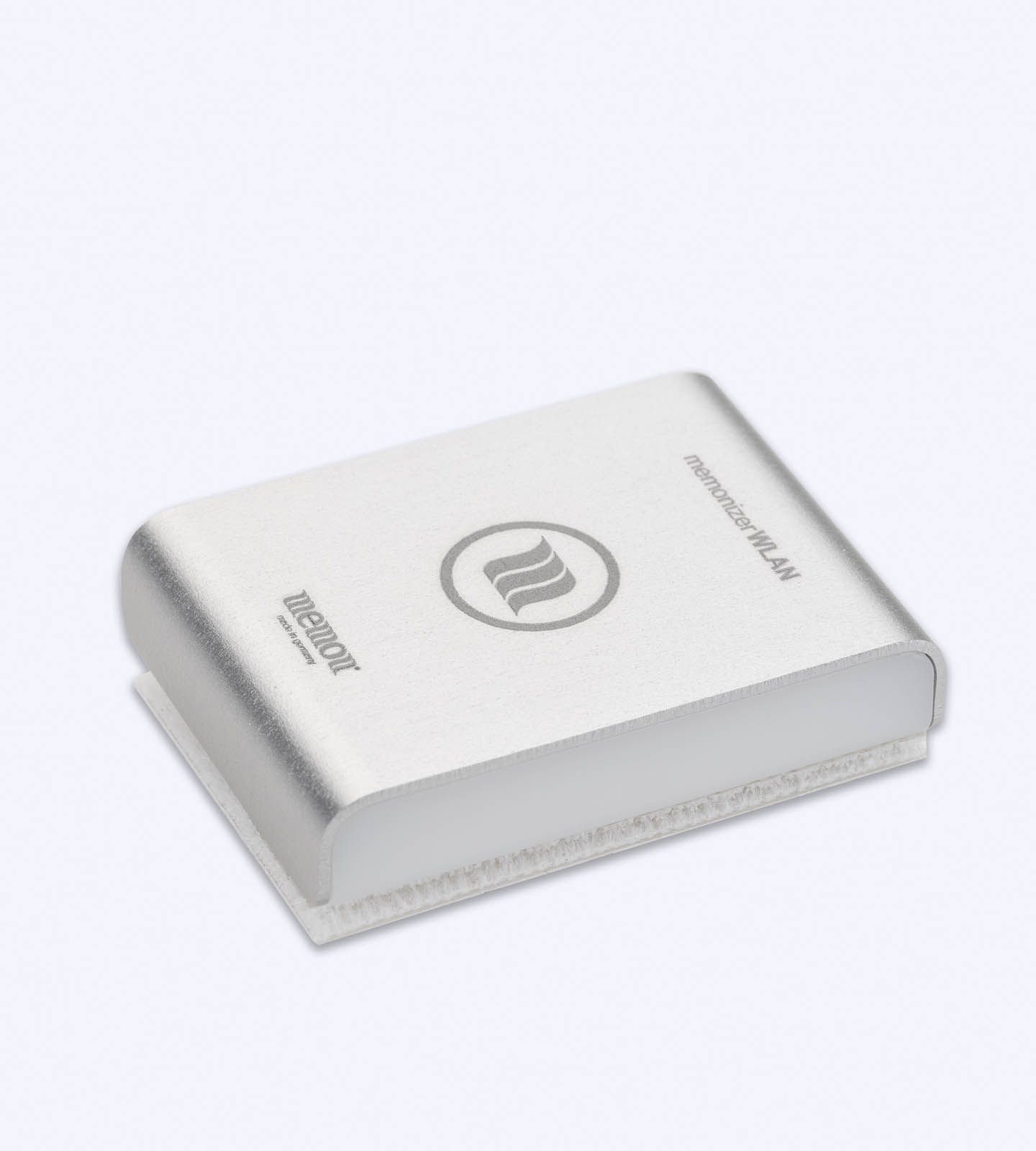
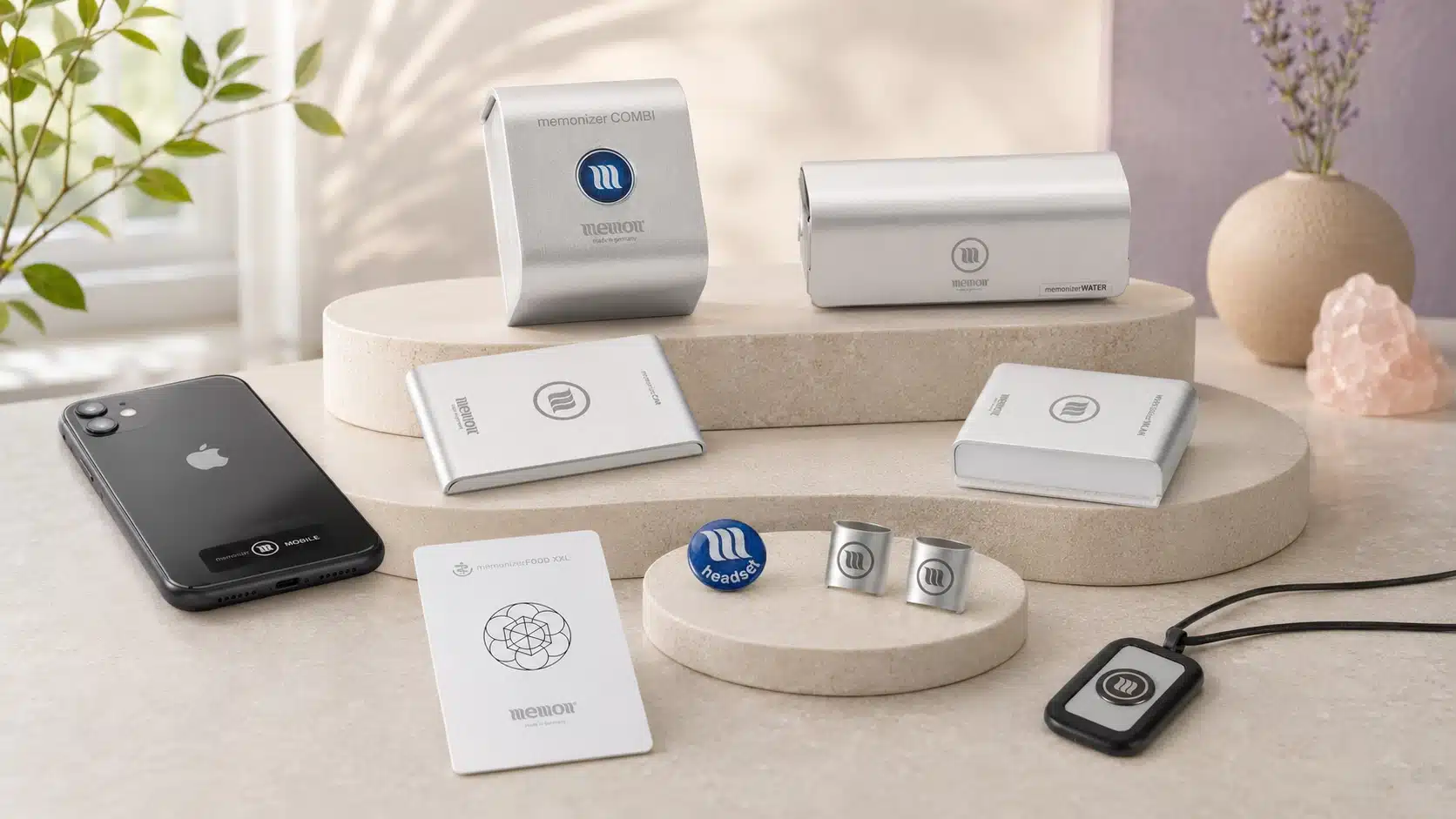
Keep the product name, purchase information, and installation instructions together. A MemonizerWLAN, MemonizerMOBILE, MemonizerCOMBI, and MemonizerCAR are intended for different settings, so accurate guidance starts with the correct model.
2. Confirm the intended placement
Check that the product has not shifted, detached, or been moved to a more convenient but incorrect location. If you are unsure, compare your setup with the official Memon installation resources for your model.
3. Inspect the exterior in good light
Look for cracks, deep scratches, peeling, unusual discoloration, a torn strap, or a damaged attachment point. Normal cosmetic wear and damage that prevents proper use are not necessarily the same. When in doubt, take a clear photo and request advice before replacing the item.
4. Check how securely it remains in place
An attachment that has loosened can change placement or allow the product to fall. Do not improvise with strong cleaners, solvents, heat, glue, or replacement adhesives unless the product instructions or seller confirm that the method is appropriate.
5. Review the setup after changing a device
A new phone, router, headset, vehicle, appliance layout, or network configuration can change where and how a product should be used. Do not assume that transferring an item without review is always the right choice.
6. Review sizing after a move
The manufacturer states that its products can generally move with the owner, but the correct variant and size should be checked for the new home or business. Floor area, layout, use, and installation context may differ from the original location.
7. Leave permanent home products in their intended setting during short trips
For ordinary travel, the manufacturer recommends leaving permanently installed home products in place and using a product intended for mobile or travel use when appropriate. Repeatedly removing and reinstalling a fixed product may create unnecessary placement and attachment problems.
8. Ask before repairing, cleaning, or replacing
If instructions do not address the situation, contact the seller before attempting a repair or discarding the product. A short review can help distinguish cosmetic wear, an installation issue, a compatibility question, and a genuine replacement need.
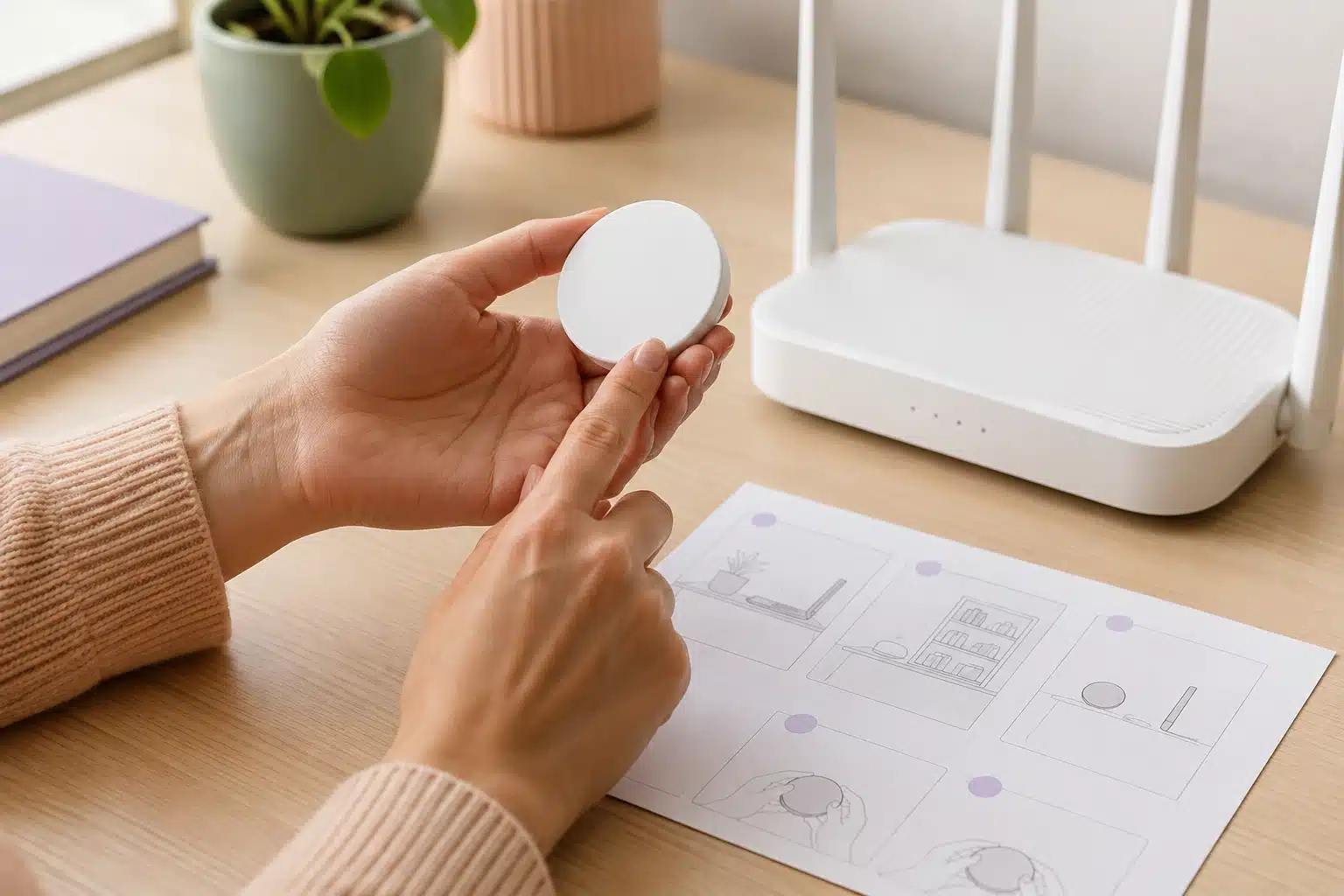
Care Guidance by Memonizer Type
Different products live in different environments. The most useful Memonizer maintenance habit is to focus on the stresses that apply to the product you own.
Home and workplace systems
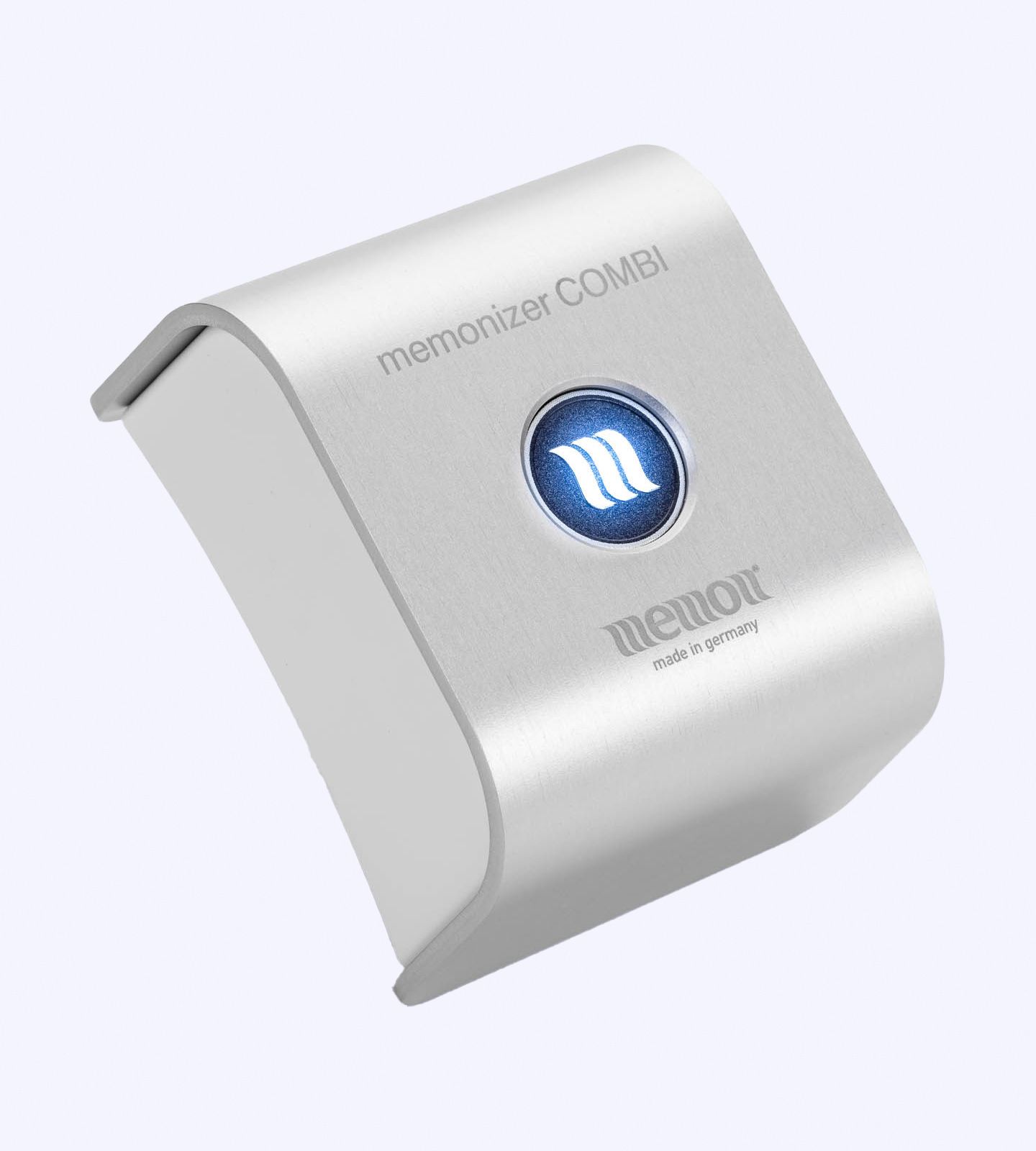
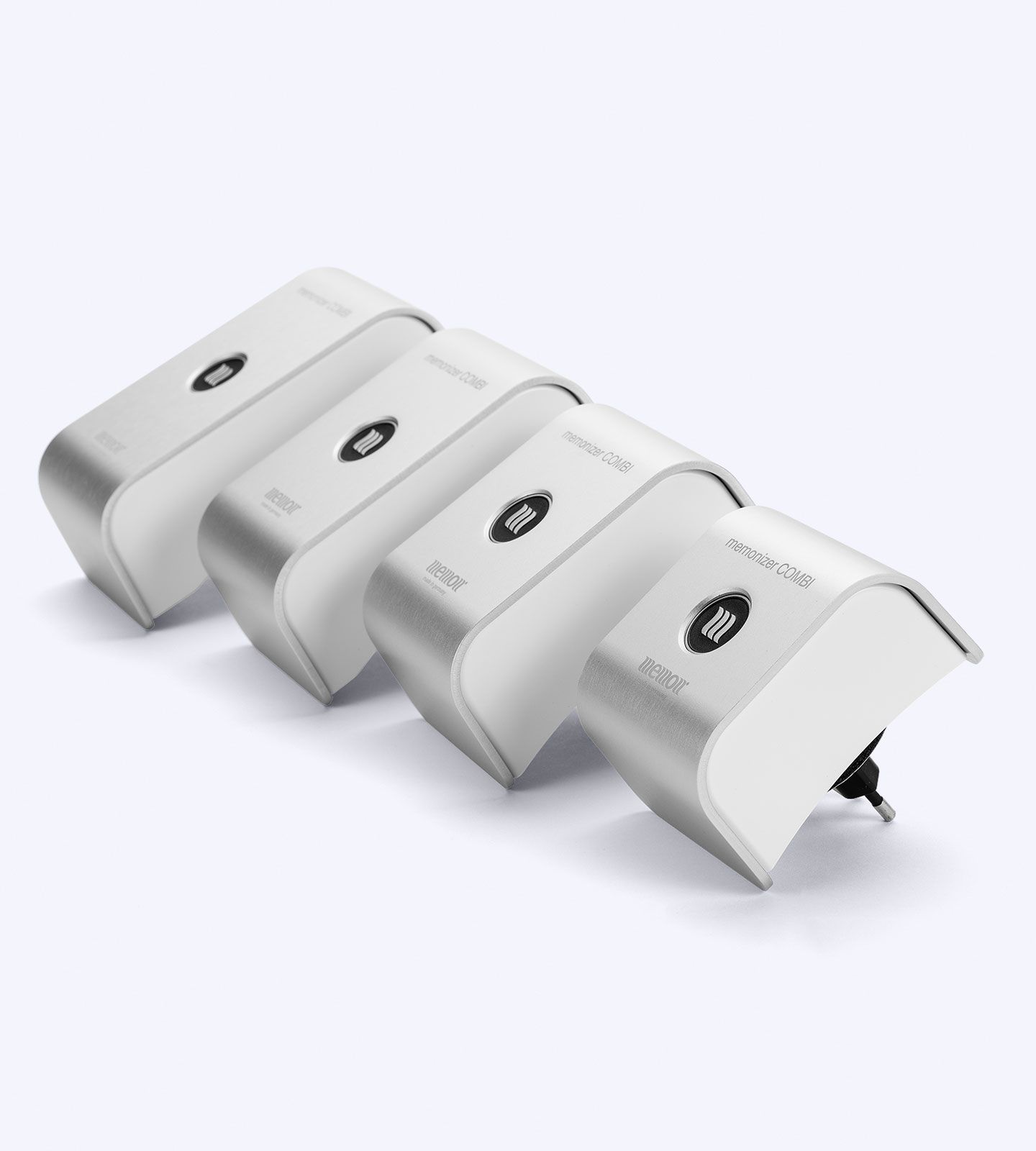
The MemonizerCOMBI is intended for broader home or workplace use. After installation, record where it is placed and avoid moving it casually. If you relocate or your property setup changes substantially, request a size and installation review rather than assuming the original configuration is still the best match.
Wi-Fi routers
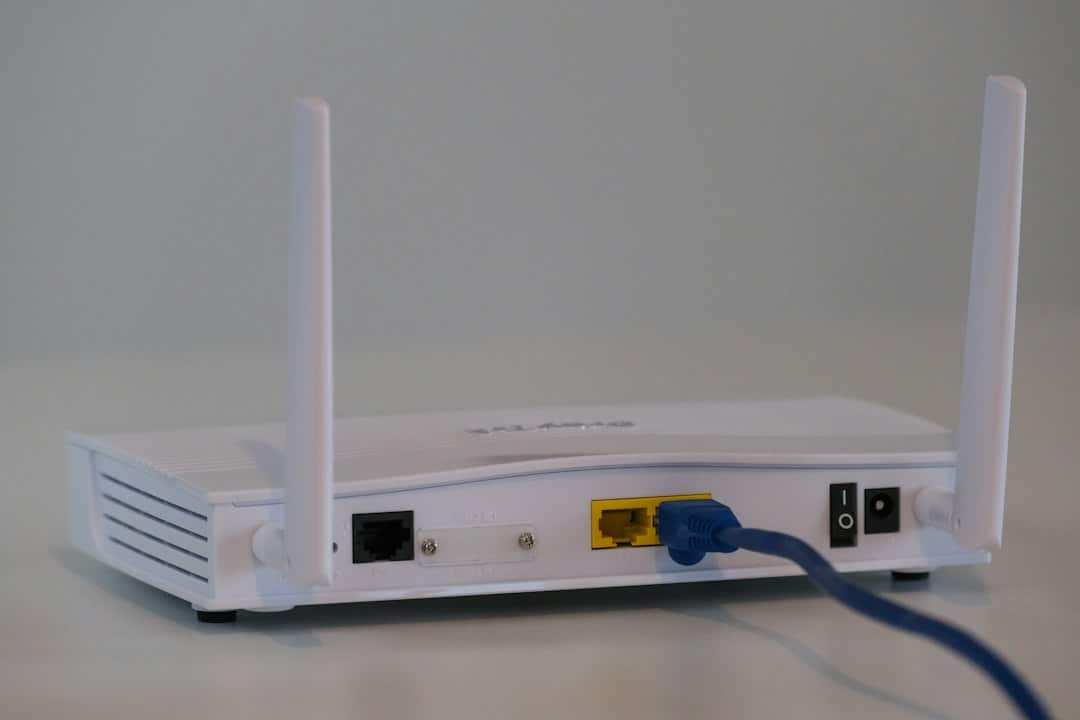
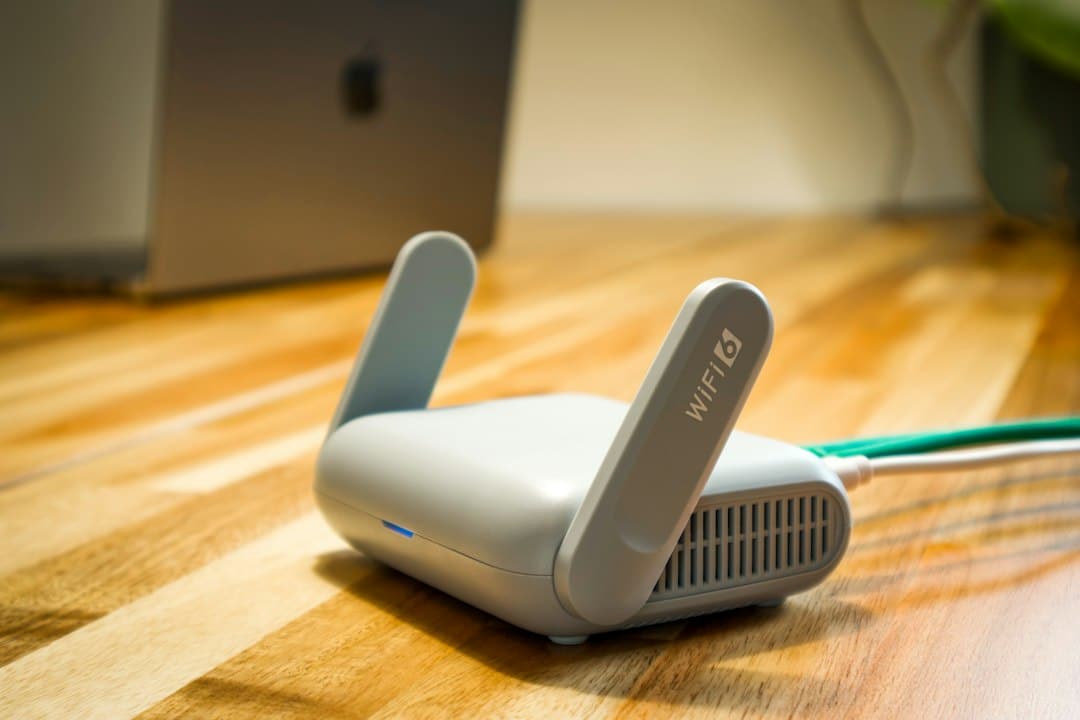
The MemonizerWLAN is used with a Wi-Fi setup. Recheck its placement after replacing or relocating a router, adding networking equipment, or reorganizing the room. Keep the model instructions available so that a technician or family member does not accidentally remove it during equipment changes.
Phones and personal audio devices
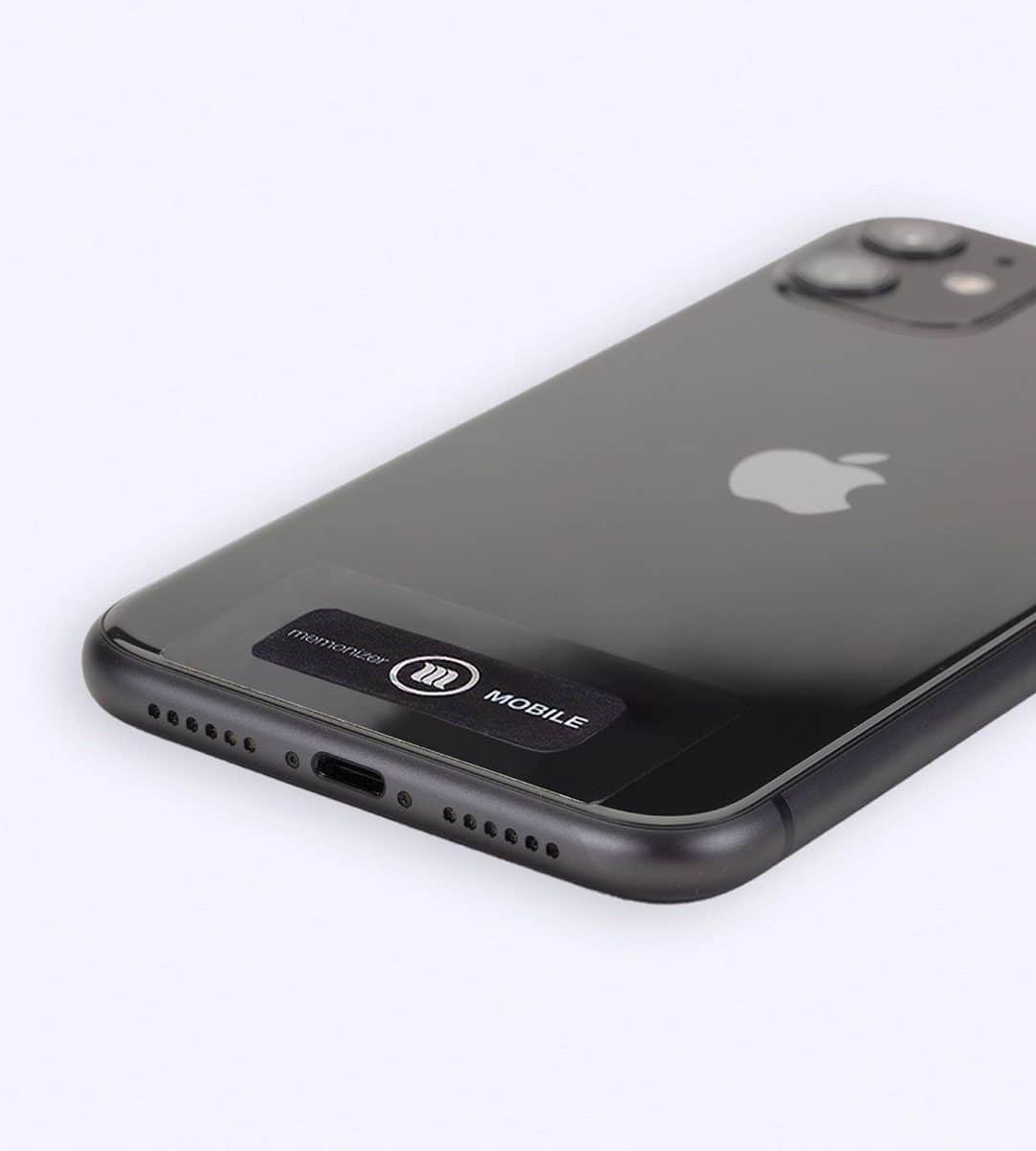
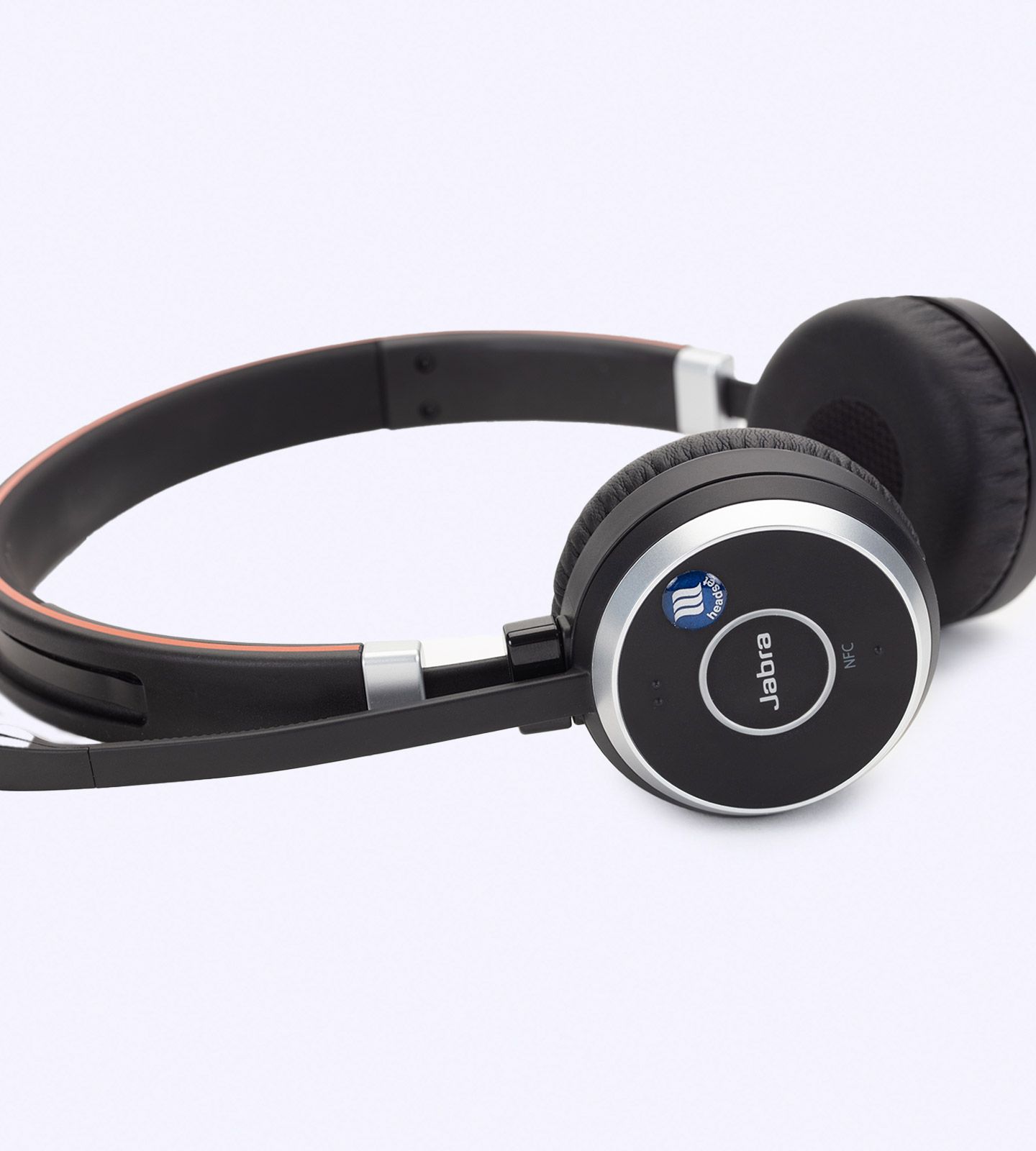
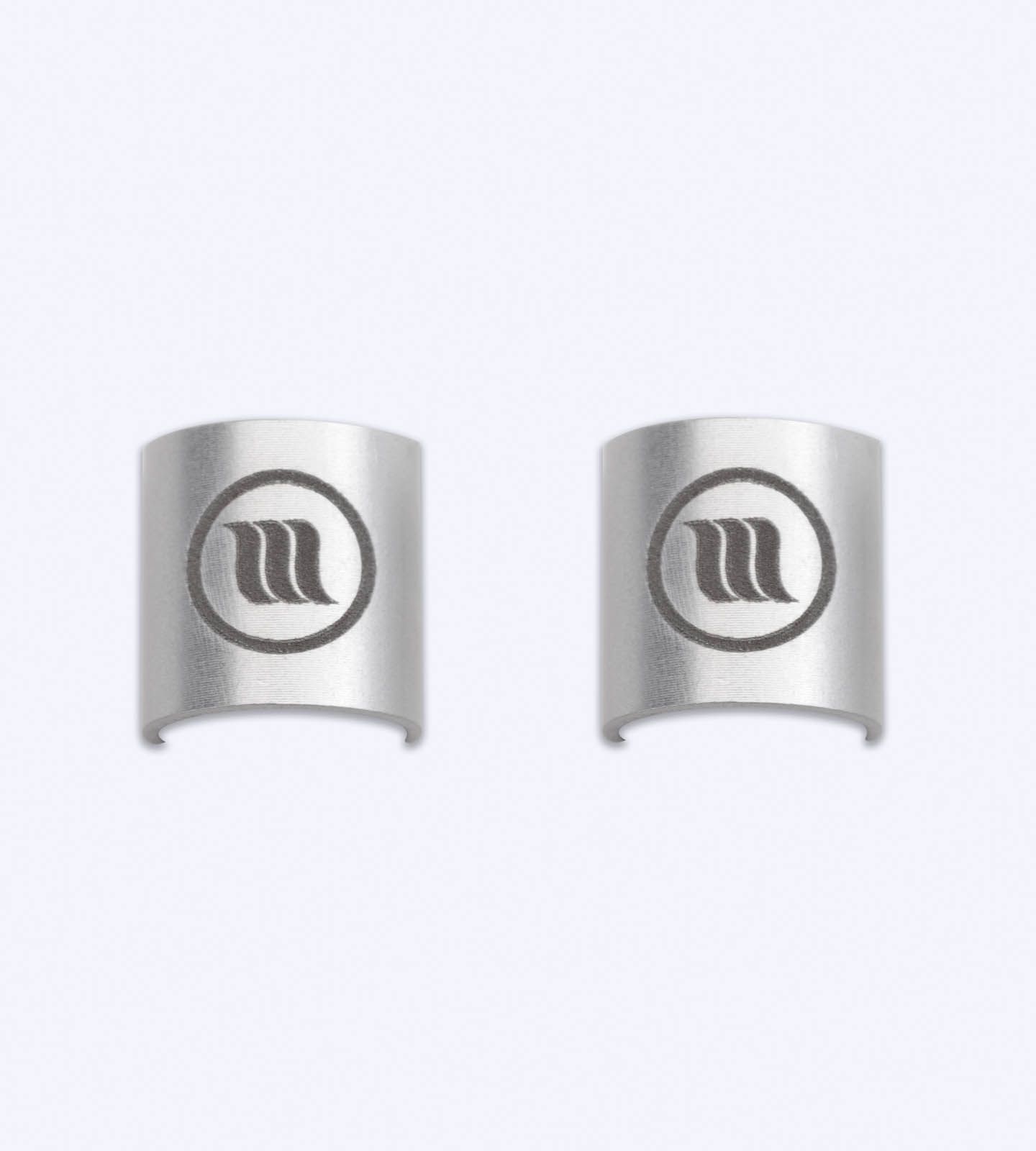
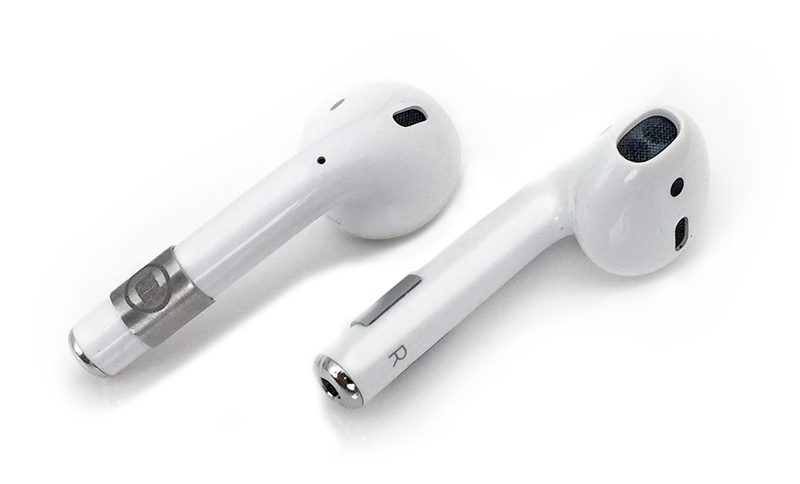
Products used with phones and audio accessories experience frequent handling. Inspect a MemonizerMOBILE, MemonizerHEADSET, or MemonizerEARPHONE when you change the device, case, headset, or earphones. Pay particular attention to attachment, coating, and any surface that experiences daily friction.
Vehicles
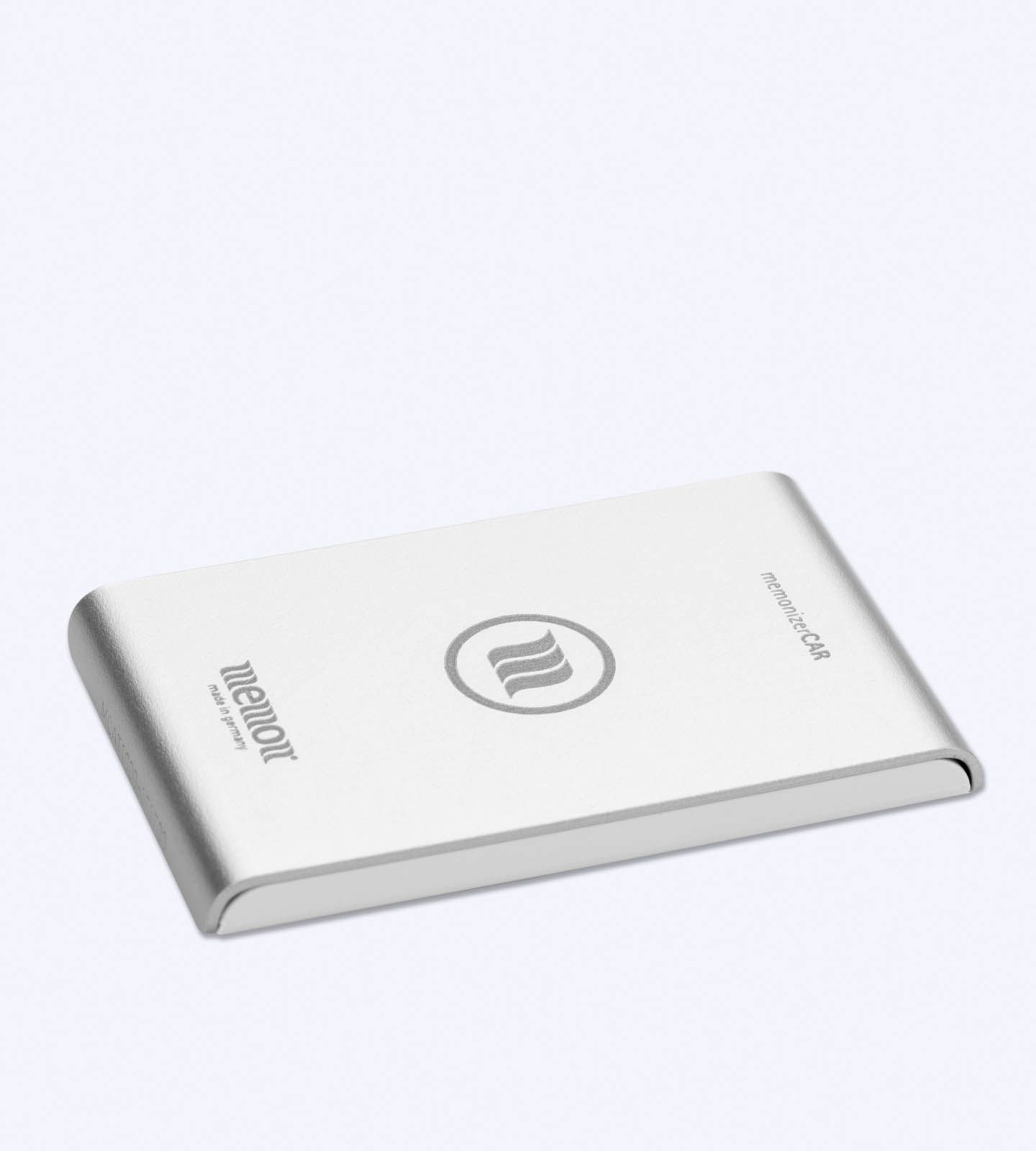
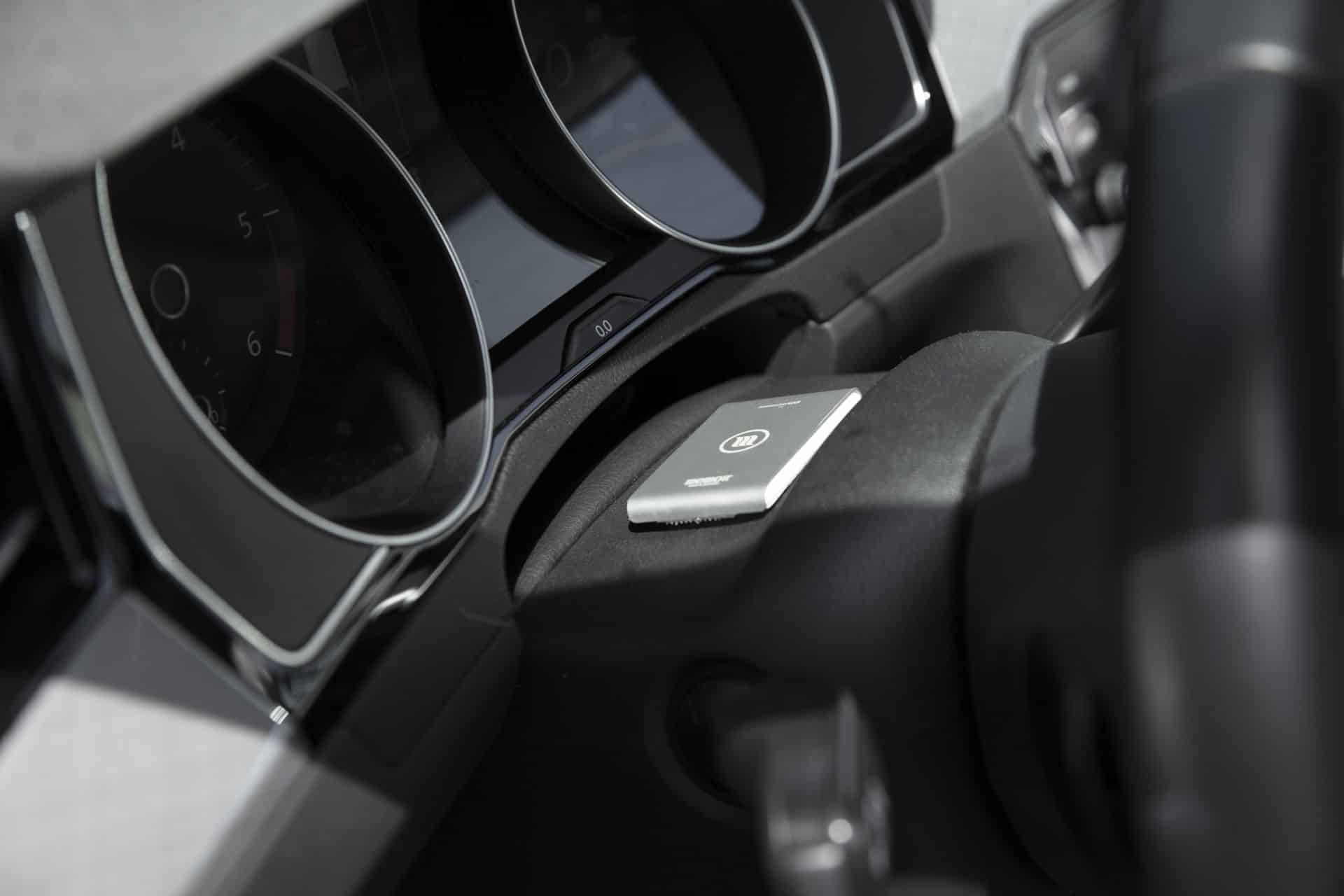
For a MemonizerCAR, check the installation after interior repairs, detailing, major electrical work, or a vehicle change. If the product is being transferred to another vehicle, confirm the installation guidance first.
Wearable products
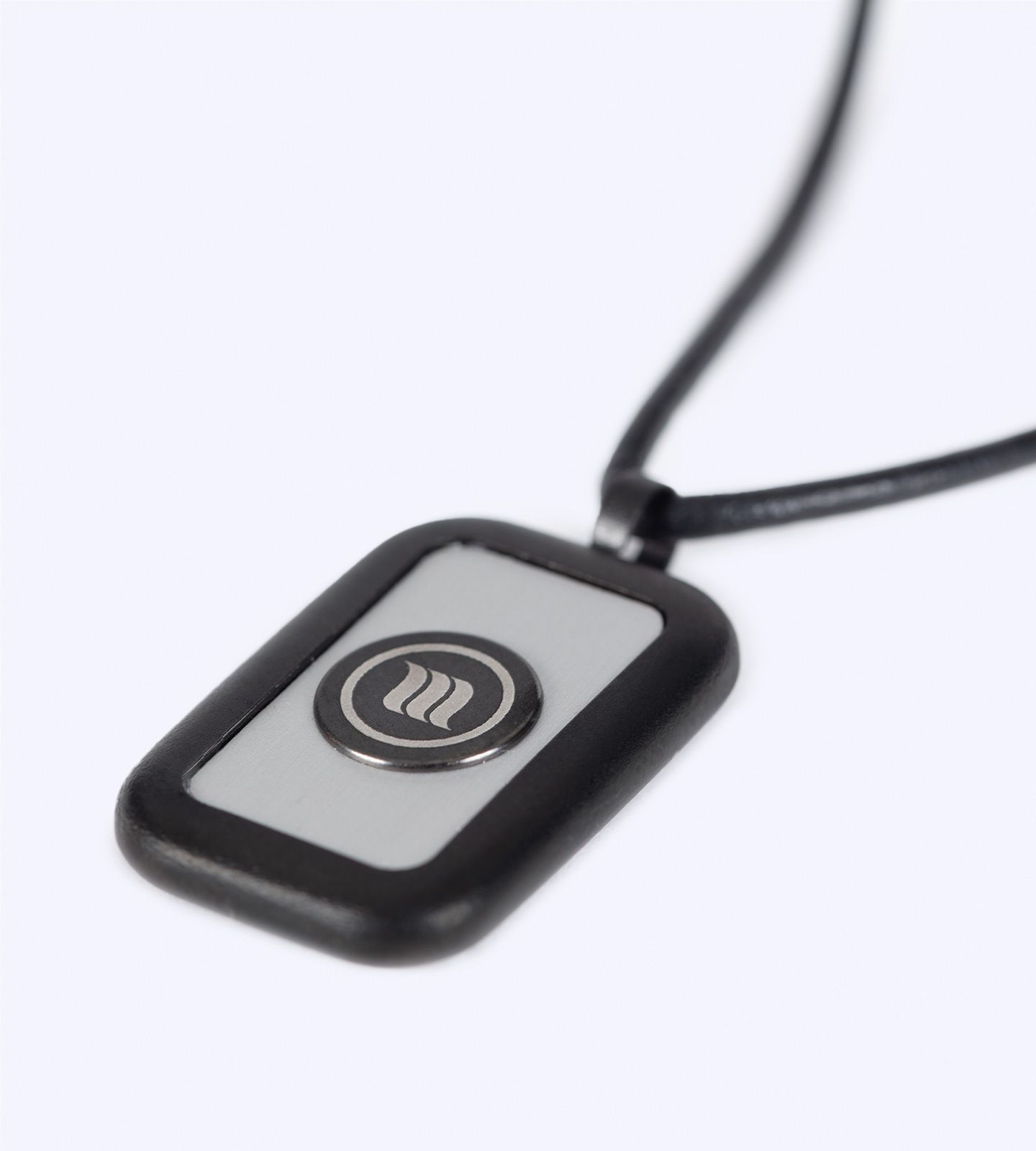
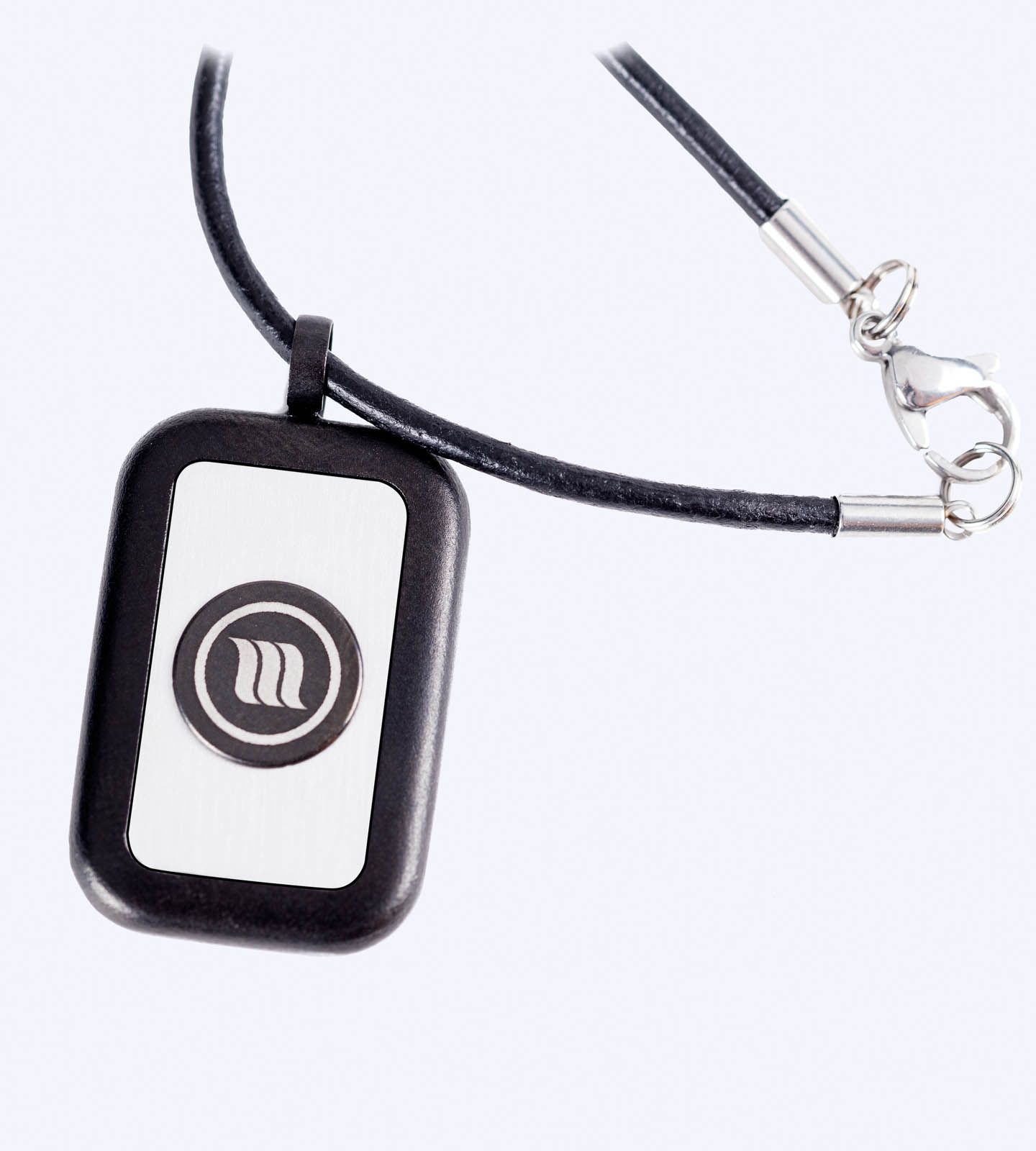
A MemonizerBODY is exposed to movement and normal material wear. Inspect the strap or attachment and follow the manufacturer’s handling instructions. Visible wear is a reason to ask for guidance, especially if it affects secure and comfortable use.
Food and water applications
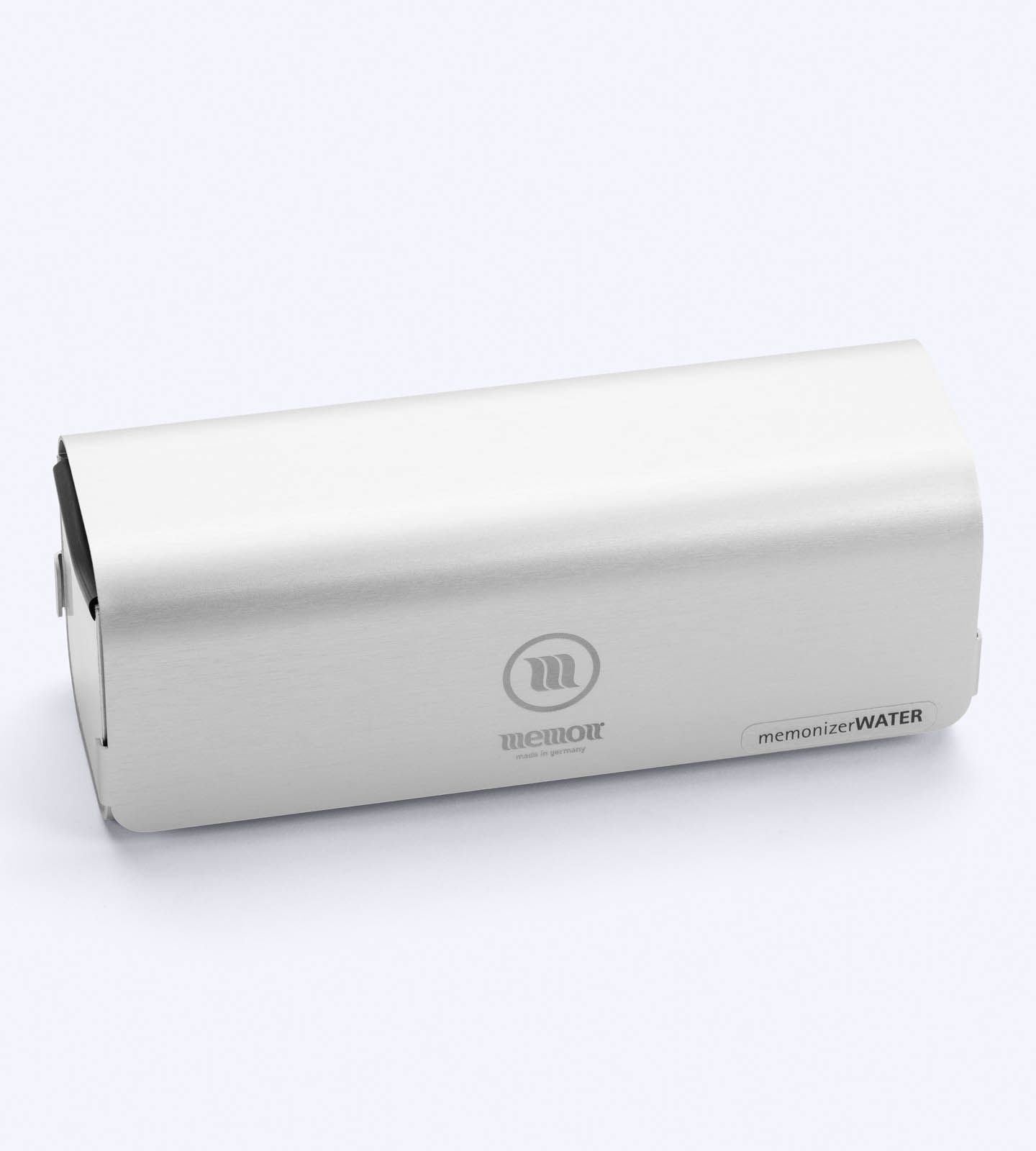
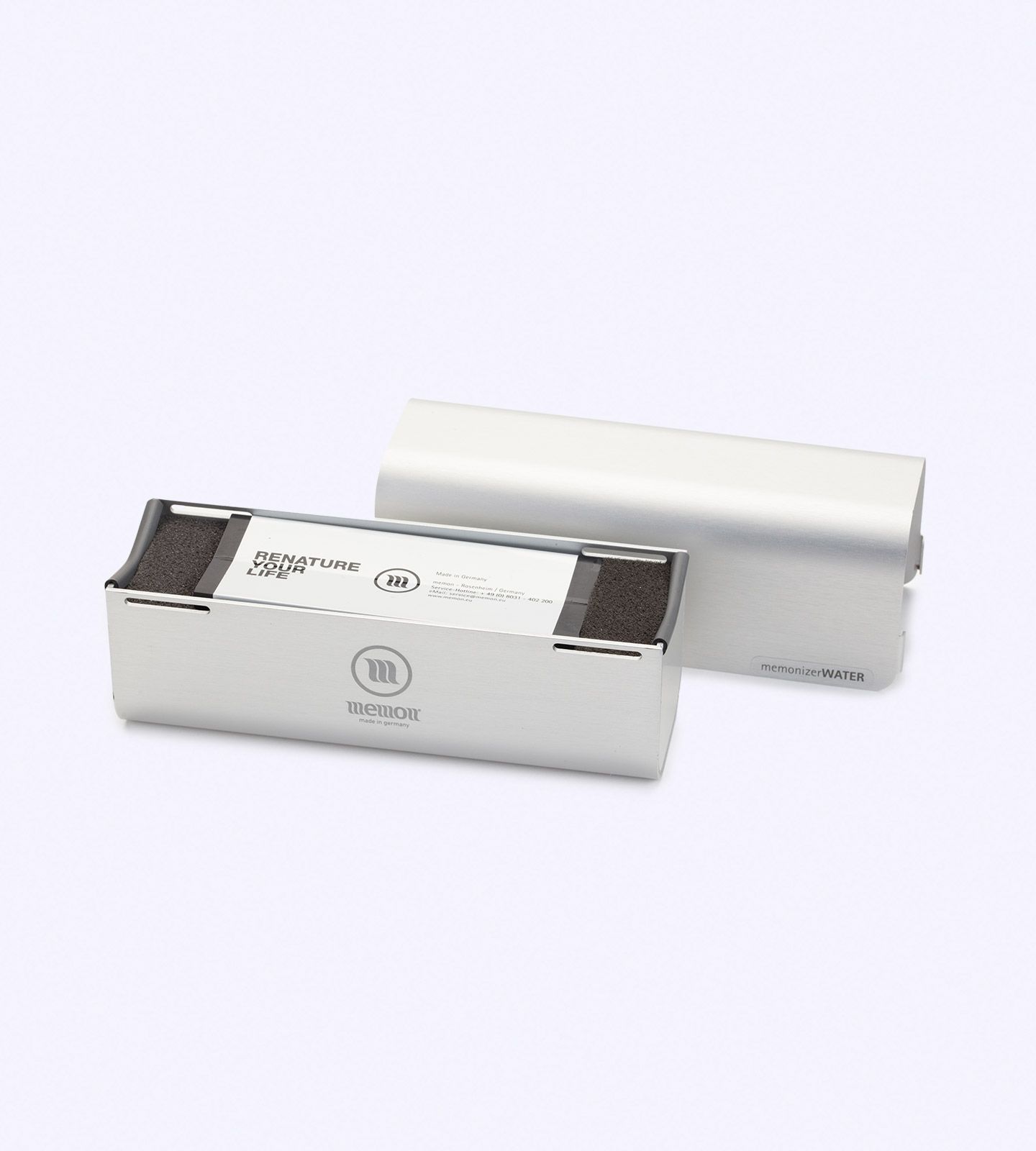
Keep a MemonizerFOOD in the setting described by its instructions and protect it from unnecessary impact or inappropriate cleaning products. For a MemonizerWATER installation, preserve the installation record and ask for guidance before plumbing changes. If your system includes a MemonizerWATERFILTER, follow its wear-part replacement schedule rather than treating it like a no-service product.
You can compare the current range on the Memon products page.
When Should You Ask About Memonizer Replacement?
Age alone should not be the only trigger. The manufacturer’s current estimate of about 20 years is conditional on proper handling, installation, and sizing, and it is not a universal warranty that every item will look or perform identically for two decades.
Ask for a replacement or suitability review when:
- the housing, coating, strap, or attachment is visibly damaged;
- the product no longer remains in its specified position;
- the original phone, router, vehicle, or other target device has been replaced;
- a building move changes the area, layout, or intended application;
- the product’s identity, size, or installation instructions are no longer known;
- plumbing, networking, or vehicle work has disturbed the original installation;
- the item is approaching the manufacturer’s general lifespan estimate; or
- a required MemonizerWATERFILTER wear part is due for service.
A review does not automatically mean you need a new product. The goal is to confirm that the existing item is physically usable, correctly positioned, and still suitable for the current setting.
Can You Move a Memonizer to a New Home or Device?
Often, yes—but transfer and suitability are different questions.
The manufacturer says Memon products can generally be moved. For a new home or business, however, the correct model and size should be reviewed because the new space may not match the original one. The same practical principle applies to a new phone, router, or vehicle: first identify the product, then confirm the new placement.
Use this decision table as a starting point:
| Situation | Recommended action |
|---|---|
| You bought a new phone or phone case | Identify the mobile product, inspect its condition, and confirm placement before transferring it. |
| You replaced or relocated the Wi-Fi router | Review the WLAN instructions and reinstall only in the recommended position. |
| You changed vehicles | Request transfer guidance for the CAR model and inspect its attachment. |
| You moved to a new home or business | Recheck the COMBI model, size, and installation for the new property. |
| You noticed cracks, peeling, or a damaged strap | Photograph the issue and ask whether it is cosmetic, repairable, or replacement-related. |
| You are taking a short trip | Leave permanent home products installed; consider a mobile or travel-appropriate option if needed. |
| You have a MemonizerWATER FILTER | Follow the specified wear-part schedule and service instructions. |
For a personalized product or installation review, contact Your Serenity with the model name, approximate purchase date, current setup, and clear photos.
Five Common Maintenance Mistakes
Treating “maintenance-free” as “indestructible”
Being maintenance-free does not eliminate normal material wear or accidental damage. A brief visual check is still worthwhile.
Using unapproved cleaners or adhesives
Solvents, abrasive products, heat, or strong glue can damage surfaces and make later inspection difficult. Follow the model instructions or ask first.
Moving a fixed product whenever you travel
Repeated removal may create attachment and placement problems. Leave home products installed unless the manufacturer or seller advises otherwise.
Assuming one model fits every situation
Home, Wi-Fi, mobile, vehicle, wearable, food, and water applications are different. Match the product to the setting rather than relying on the brand name alone.
Replacing strictly by age
The 20-year figure is a general manufacturer estimate, not an automatic expiration date. Condition, placement, application, sizing, and any required wear-part service are also relevant.
Frequently Asked Questions
Do Memonizers need charging or software updates?
The manufacturer describes Memon products as generally maintenance-free and does not describe routine charging or software updating as standard owner maintenance. Always follow the instructions for your exact model.
How often should I inspect a Memonizer?
There is no universal inspection interval stated in the manufacturer FAQ. A practical routine is every few months and after any move, device replacement, repair, or impact that could affect placement or condition.
Can I reuse a Memonizer with a new phone or router?
It may be possible, but identify the exact model, inspect it, and confirm placement for the new device before transferring it.
Can I take my home Memonizer to a new house?
The manufacturer says its products can generally be moved, but the variant and size should be reviewed for the new home or business.
Must I replace a Memonizer after 20 years?
Not automatically. About 20 years is the manufacturer’s current general estimate under appropriate handling, installation, and sizing. Ask for an assessment based on the product’s condition and current use.
Which Memon product requires wear-part maintenance?
The official FAQ identifies the MemonizerWATERFILTER as the exception to the general maintenance-free description because it contains wear parts that must be replaced.
Can I take a permanent home product on vacation?
The manufacturer recommends leaving permanent home products installed and using a product intended for mobile or travel needs when appropriate.
Make the Next Product Decision With Better Information
Good Memonizer maintenance is simple: preserve the intended placement, inspect physical condition, document the setup, and review the product after a significant change. If the item is damaged, has moved, or no longer matches your device or property, get advice before assuming it must be discarded.
To compare options, visit the Memon products collection. If you already own a product and need help with placement, relocation, wear, or replacement, contact Your Serenity for guidance before ordering.
About Your Serenity
Your Serenity provides Memon product information and ordering support for customers seeking practical guidance on product selection, installation, and ownership. Browse the current Memon product range or contact the team before replacing or transferring an existing item.
Transparency note: Your Serenity sells Memon products. Maintenance and lifespan statements in this article are based on current manufacturer information and are provided for product-care education. Product descriptions are not medical advice, diagnosis, treatment, or a substitute for consultation with a qualified healthcare professional. For general public-health information about electromagnetic fields, see the World Health Organization’s EMF resource.