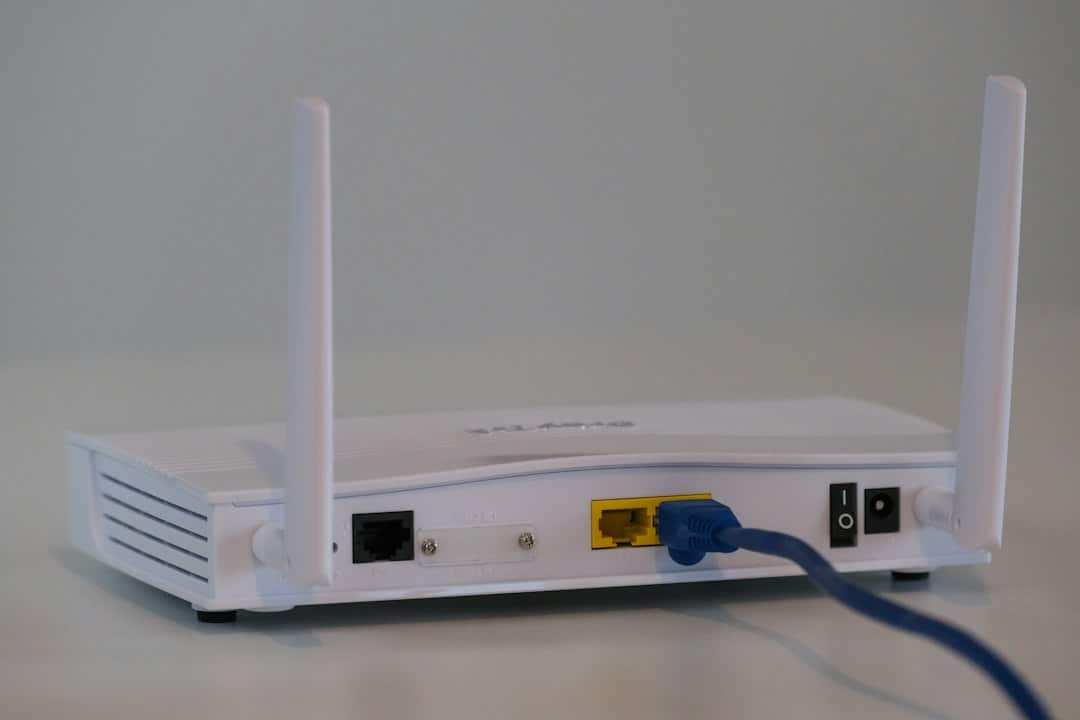
Quick answer: Wi-Fi routers emit radiofrequency electromagnetic fields (RF EMF), a form of non-ionizing electromagnetic energy used to transmit data wirelessly. Health Canada says measurements from Wi-Fi equipment in homes and public settings are well below Canadian exposure limits and that current evidence does not show health risks at those levels. If you still prefer to reduce unnecessary exposure, simple choices such as increasing distance, avoiding unnecessary placement directly beside frequently occupied areas, and turning off wireless functions when you do not need them can reduce RF exposure without giving up Wi-Fi.
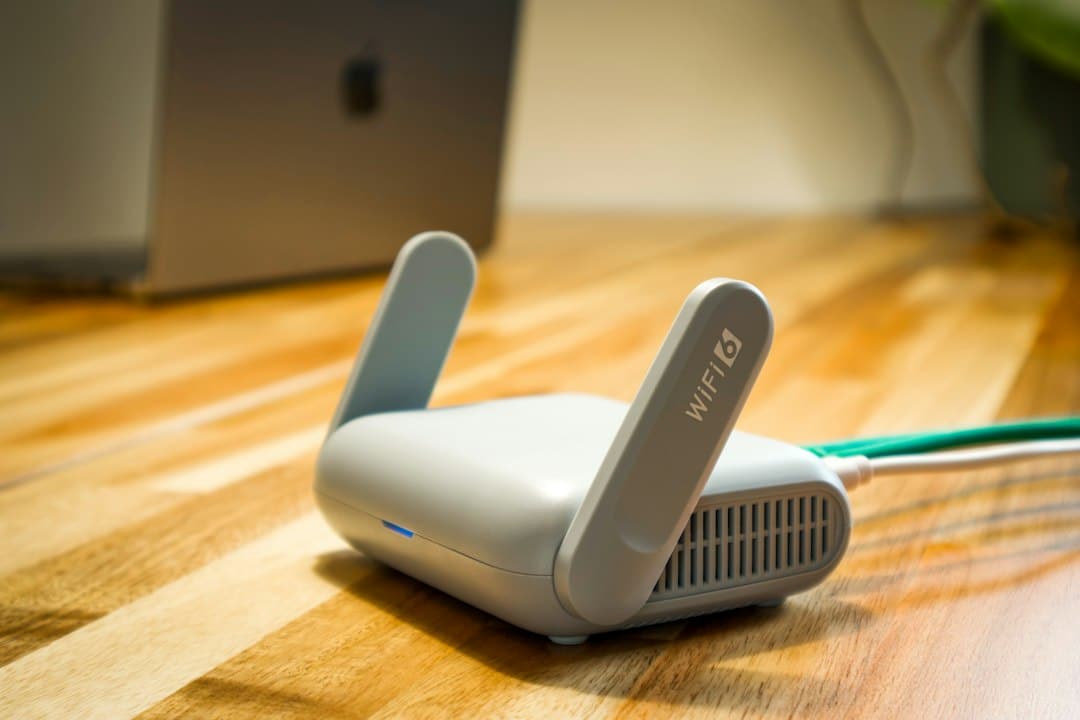
Wi-Fi is now part of everyday life. A single home may have a router, mesh nodes, laptops, phones, tablets, smart TVs, speakers, security cameras and connected appliances communicating throughout the day. For a broader introduction to connected technology, see What Is EMF Protection for Wireless Devices and Why Is It Important?
That convenience also raises a common question: how much electromagnetic field exposure comes from a Wi-Fi router, and does router placement matter?
The answer is more nuanced than many “safe distance” articles suggest. A router does produce measurable RF EMF, and distance can reduce the level measured at a particular location. But public-health agencies do not identify one universal number of feet that every router must be kept from every person. Equipment, power, network activity, room layout, frequency band and manufacturer instructions all matter.
This guide explains Wi-Fi router EMF, distance, placement, bedrooms, mesh networks, Ethernet, measurement, and practical options for people who want to make informed choices without fear-based claims.
What Is Wi-Fi Router EMF?
Wi-Fi works by sending information through radiofrequency electromagnetic fields. These fields are part of the non-ionizing portion of the electromagnetic spectrum.
That distinction is important. Wi-Fi RF energy is not the same as ionizing radiation such as X-rays or gamma rays. Ionizing radiation carries enough energy to ionize atoms; Wi-Fi does not operate that way.
Health Canada explains that Wi-Fi equipment emits RF EMF and that the amount absorbed by the body depends in part on signal strength and how close a person is to the Wi-Fi-enabled equipment.
ICNIRP describes Wi-Fi as a wireless local area network, or WLAN, operating in frequency bands in the gigahertz range. Its radiofrequency exposure guidelines cover Wi-Fi, Bluetooth, mobile phones, 5G technologies and other RF applications.
What Frequencies Do Wi-Fi Routers Use?
Many home routers use the 2.4 GHz and 5 GHz bands. Newer Wi-Fi systems can also use the 6 GHz band, depending on the router, device, country and Wi-Fi generation.
The presence of a higher-frequency band does not automatically mean the network is “more dangerous.” Exposure depends on several factors, including transmitted power, distance, antenna behavior, traffic, duty cycle and how the device is used. Regulatory exposure limits are frequency-dependent and are designed to account for those differences.
For practical home use, the more useful question is usually not “Which Wi-Fi band sounds scarier?” but rather: Where is the equipment located, how close is it to people, and is the network configured sensibly for the space?
Does Distance From a Wi-Fi Router Matter?
Yes. RF intensity generally decreases as you move farther from a source. Health Canada states that radiofrequency EMF intensity drops off quickly from its source, and Australia’s radiation protection agency, ARPANSA, likewise notes that increasing distance is one way to reduce Wi-Fi RF exposure for people who choose to do so.
However, that does not justify claiming that every home needs the same “safe distance” such as 6 feet, 10 feet or 15 feet.
There is no single scientifically established household distance that applies to every router and every environment.
In Canada, Innovation, Science and Economic Development Canada explains that Wi-Fi routers are intended to be used away from the body and that manufacturers provide minimum compliance-distance information for their specific equipment. ISED recommends checking the product manual, device settings or manufacturer information for the applicable separation guidance.
So the best practical rule is:
- follow the router manufacturer’s installation and separation instructions;
- do not place the router where people must sit directly against it unnecessarily;
- use enough distance to meet your comfort preference without damaging network coverage; and
- avoid treating an arbitrary internet number as a universal medical threshold.

Where Is the Best Place to Put a Wi-Fi Router?
From a networking standpoint, routers generally perform best when they are reasonably central, elevated, unobstructed and not hidden behind dense materials or metal objects. From an exposure-management standpoint, there is usually no need to place the router inches from your chair, pillow or favorite seating position if another practical location provides good coverage.
A sensible placement checklist includes:
- Choose a central location when possible. This can improve coverage and may reduce the need for additional repeaters.
- Keep the router open and ventilated. Avoid enclosing it in cabinets or improvised shielding that may interfere with cooling or signal performance.
- Avoid unnecessary close proximity. If the router can sit across the room rather than immediately beside your desk or bed, that is a simple placement choice.
- Keep networking performance in mind. A poorly located router can cause devices to work harder to maintain a connection or encourage installation of extra nodes.
- Follow the manual. Manufacturer placement, ventilation and compliance-distance instructions take priority over generic internet advice.
Your Serenity’s broader guide to everyday EMF protection methods discusses distance and device placement alongside other practical technology habits.
Should You Put a Wi-Fi Router in the Bedroom?
There is no established scientific evidence that normal household Wi-Fi exposure causes adverse health effects, and Health Canada states that precautionary measures are not required because measured Wi-Fi exposure levels are well below Canadian safety limits.
That said, some people prefer not to keep active networking equipment immediately beside the bed simply because the bedroom is a place where they spend many continuous hours.
If that preference applies to you, practical options include:
- placing the router outside the bedroom if coverage remains good;
- keeping it farther from the bed rather than on a nightstand;
- using a wired connection for stationary bedroom devices when practical; or
- scheduling Wi-Fi to switch off overnight if no household devices require it.
These are optional exposure-reduction choices, not evidence that a Wi-Fi router in a bedroom has been proven to cause sleep disorders or other medical conditions.
Does Turning Off Wi-Fi at Night Reduce EMF Exposure?
Yes, in a narrow technical sense: switching off the router’s Wi-Fi radios removes that router as an active RF source while they remain off.
But it does not necessarily eliminate all RF sources in the home. Smartphones may remain connected to cellular networks, Bluetooth devices may still transmit, neighboring Wi-Fi networks can remain detectable, and other smart devices may use separate wireless technologies.
Health Canada does not advise that home Wi-Fi needs to be turned off for health reasons. If you turn it off because you do not use it overnight, think of the step as a personal technology-management choice rather than a medically required safety practice.
What About Mesh Wi-Fi, Repeaters and Multiple Access Points?
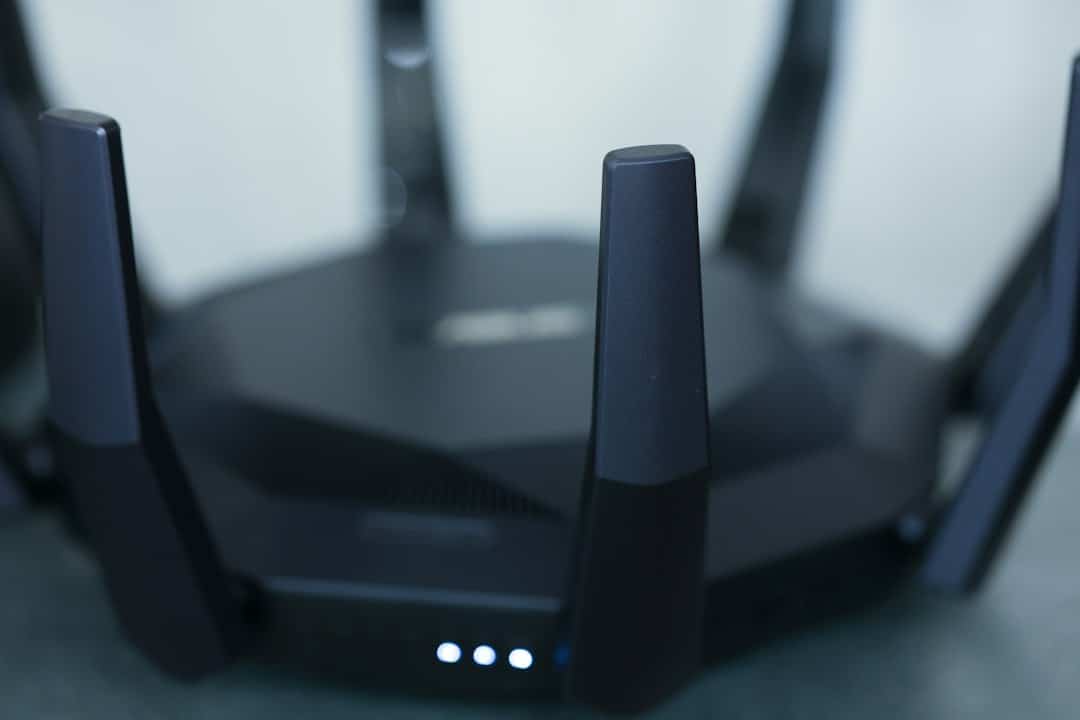
Mesh systems solve a networking problem by placing several access points around a home instead of asking one router to cover every room. Repeaters and extenders similarly add wireless coverage in weak-signal areas.
That means a mesh home can contain more RF transmitters, but the exposure picture is not as simple as “more nodes equals proportionally more exposure.” Distance, transmitted power, traffic and which device is closest to you all matter.
ARPANSA notes that adding connected Wi-Fi devices does not necessarily create a large increase in exposure and that the closest RF source commonly makes the largest contribution because signal intensity drops rapidly with distance.
For a mesh system, consider the network as a whole:
- Are extra nodes actually needed?
- Can you place them where they provide coverage without sitting directly beside a bed or workstation?
- Does Ethernet backhaul allow more efficient node placement?
- Are old repeaters still operating even though the newer mesh system has made them unnecessary?
Is 5 GHz or 6 GHz Wi-Fi More Concerning Than 2.4 GHz?
Frequency alone is not a useful shortcut for determining real-world exposure or health risk.
Different Wi-Fi bands have different propagation characteristics, channel widths and device capabilities. The actual RF exposure at a person’s location depends on power, distance, traffic and equipment behavior, not simply whether the label says 2.4, 5 or 6 GHz.
ICNIRP’s current RF guidelines cover frequencies from 100 kHz to 300 GHz and include applications such as Wi-Fi and Bluetooth. The guidelines use frequency-dependent exposure limits rather than treating every RF frequency identically.
Ethernet vs Wi-Fi: Does Wired Networking Reduce RF Exposure?
A wired Ethernet connection can reduce the need for a particular computer, television or other stationary device to communicate by Wi-Fi—provided Wi-Fi on that device is actually disabled.
However, plugging one computer into Ethernet does not automatically stop the router from broadcasting Wi-Fi to other devices.
If your goal is to reduce unnecessary wireless transmissions while preserving internet access, a practical mixed network might use:
- Ethernet for fixed desktops, televisions or workstations;
- Wi-Fi for mobile devices that genuinely need wireless connectivity;
- fewer unnecessary repeaters or old access points; and
- a router schedule if the household does not need Wi-Fi continuously.
This approach can also improve networking by providing stable wired performance for stationary equipment.
Can You Measure Wi-Fi EMF at Home?
Consumer RF meters are widely sold, but readings require context.
A broadband RF meter may show the combined radiofrequency environment at one location without telling you which signal came from your router, a phone, a neighbor’s access point, Bluetooth equipment or another source.
ARPANSA explains that separating individual RF sources generally requires more specialized equipment such as a spectrum analyzer, and it notes that it cannot confirm the accuracy of the many consumer broadband meters sold online.
That means a single meter reading should not automatically be interpreted as a medical-risk score.
If you do take measurements, use them primarily to compare locations and equipment behavior consistently rather than to diagnose health effects.
What Does Current Public-Health Guidance Say About Wi-Fi?
The clearest way to evaluate Wi-Fi claims is to separate measurable RF exposure from established health effects.
Health Canada states that Wi-Fi devices must comply with Canadian RF exposure standards and that measurements from multiple Wi-Fi sources operating in the same room have been far below Safety Code 6 limits. Based on current scientific evidence, Health Canada says RF EMF from Wi-Fi devices at these levels is not harmful to health.
ARPANSA similarly states that there is no established scientific evidence that low-level RF exposure from Wi-Fi adversely affects the health of the general population and notes that measured school Wi-Fi exposures were well below public limits.
These conclusions do not mean RF fields are imaginary. They mean that detecting a field and demonstrating a health hazard are different questions.
That distinction is important when reading product marketing, online meter demonstrations or social-media claims.
A Practical Wi-Fi Router Placement Checklist
If you want a straightforward plan, use this checklist:
- Identify the equipment. Know whether you have one router, a modem/router combination, mesh nodes, repeaters or separate access points.
- Read the manufacturer instructions. Check ventilation, mounting and minimum-separation information.
- Place for coverage first. A central and open location usually performs better than a hidden corner.
- Avoid unnecessary close placement. Do not keep networking equipment inches from your body when the room allows a more practical location.
- Remove equipment you no longer use. Old extenders and spare access points can remain active unnecessarily.
- Use Ethernet where it makes sense. Especially for fixed workstations, televisions and similar equipment.
- Review overnight needs. If nothing needs Wi-Fi overnight, scheduling it off is an optional convenience and a way to reduce exposure.
- Do not rely on universal “safe distance” numbers. Follow equipment-specific guidance instead.
Where Does MemonizerWLAN Fit?
Some Your Serenity customers are interested in Memon products specifically for a home networking environment.
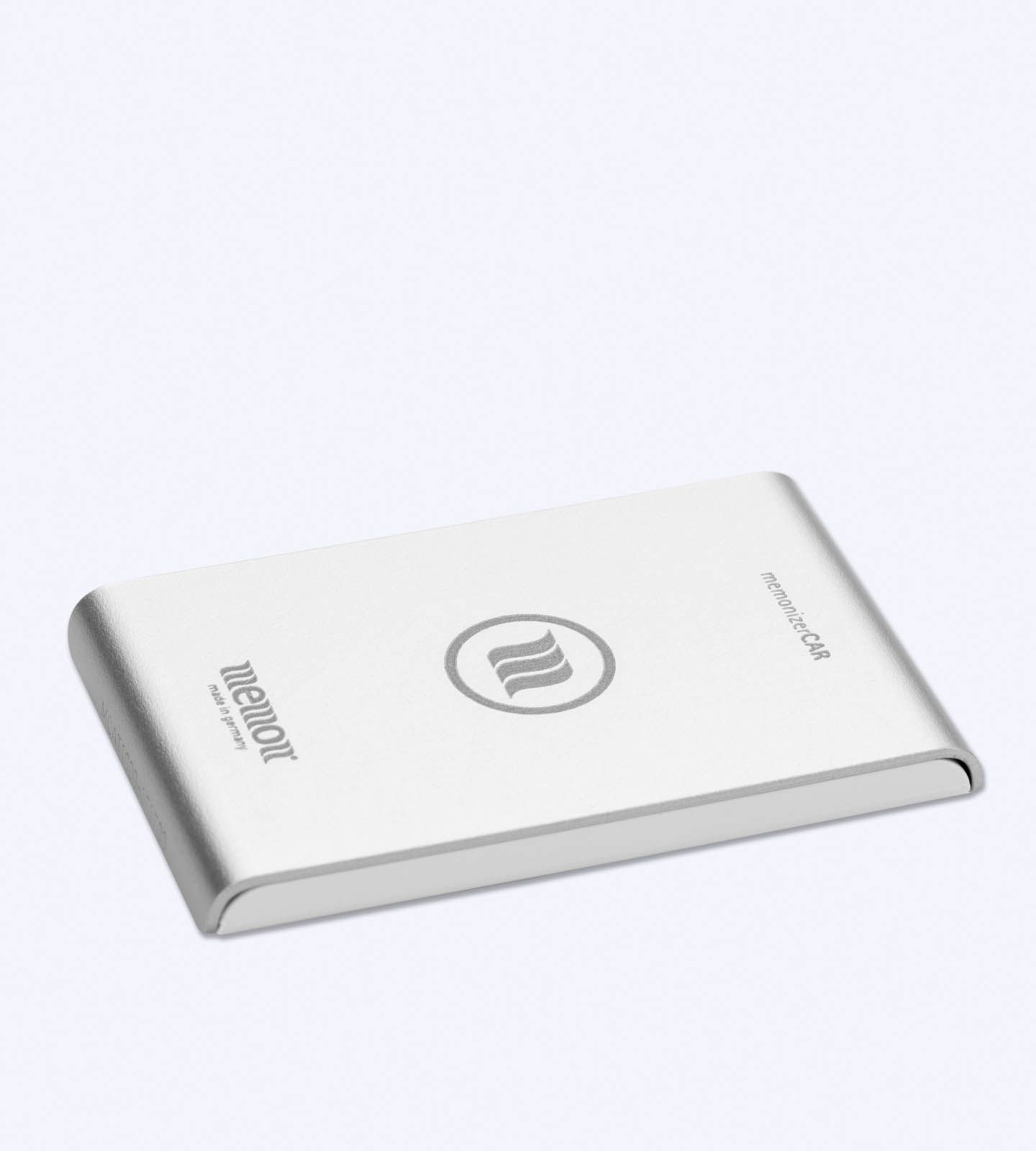
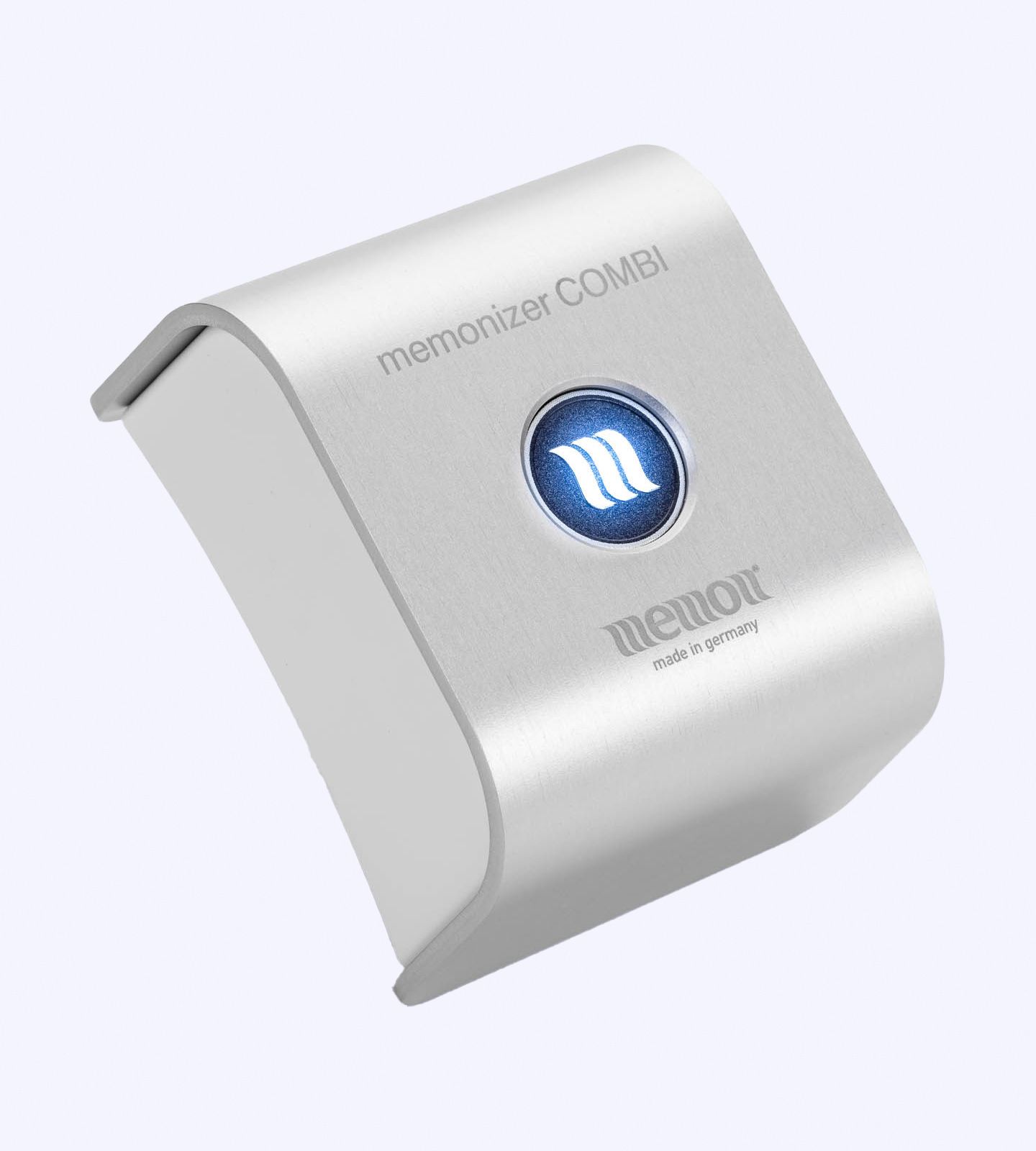
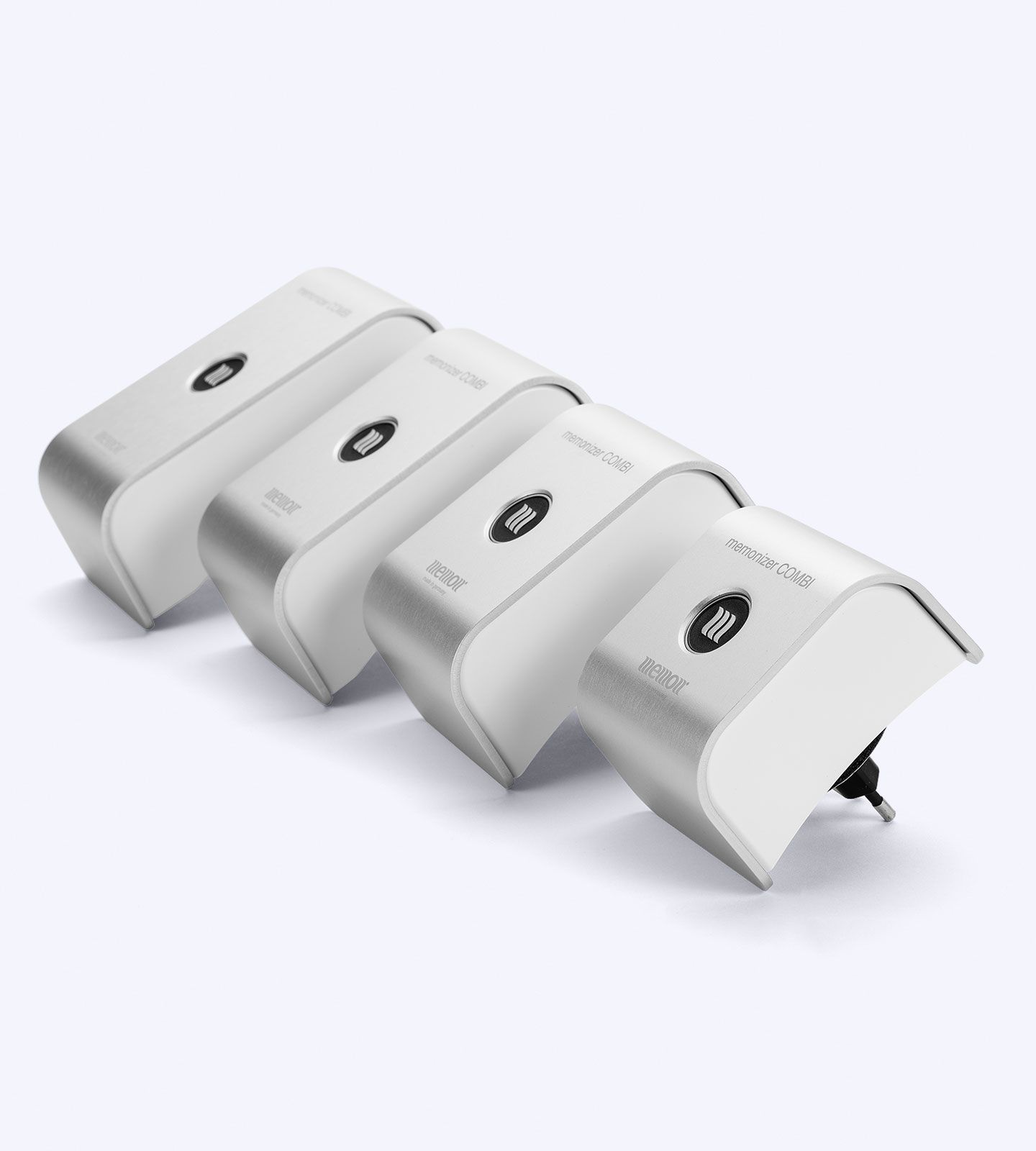
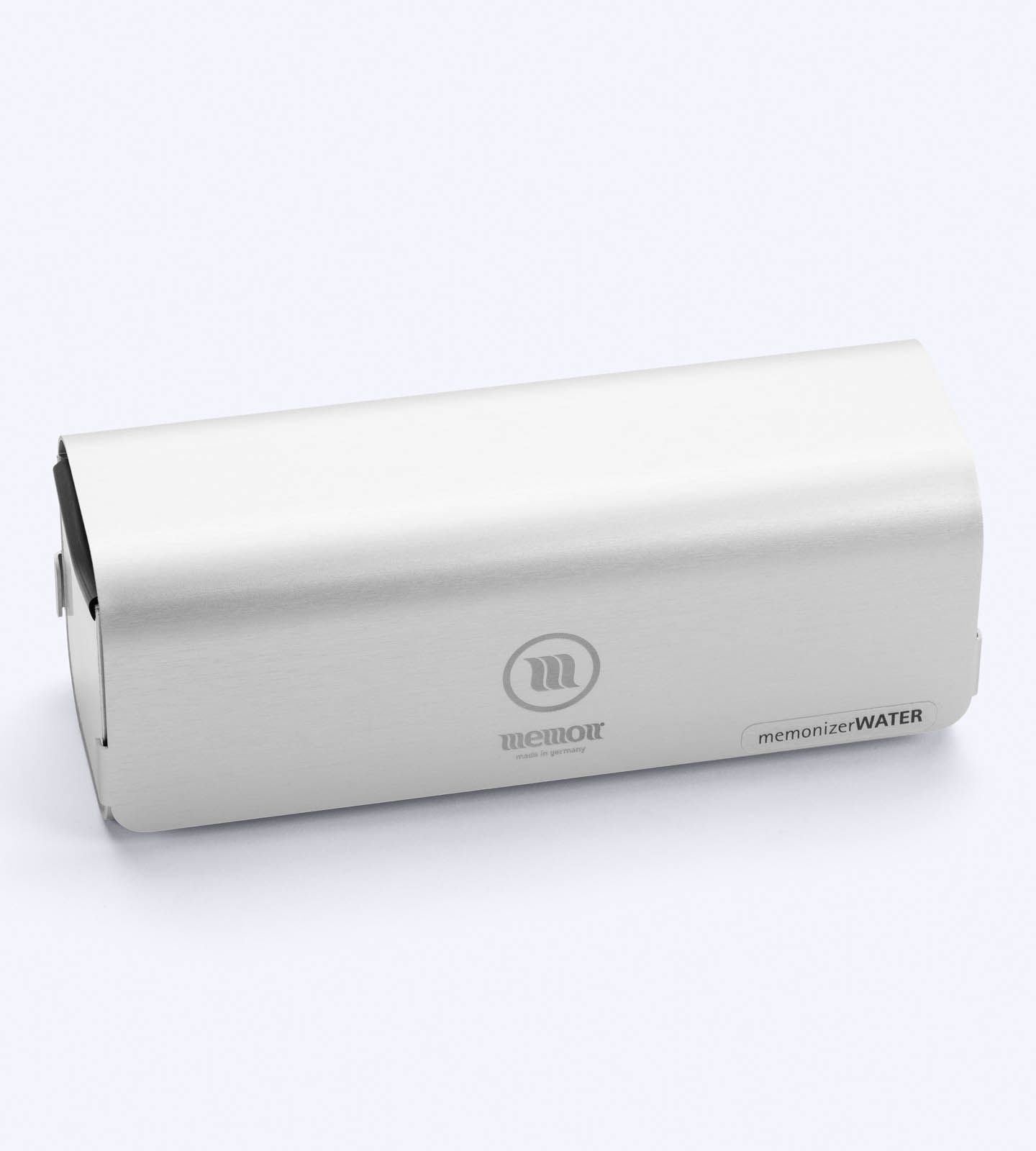
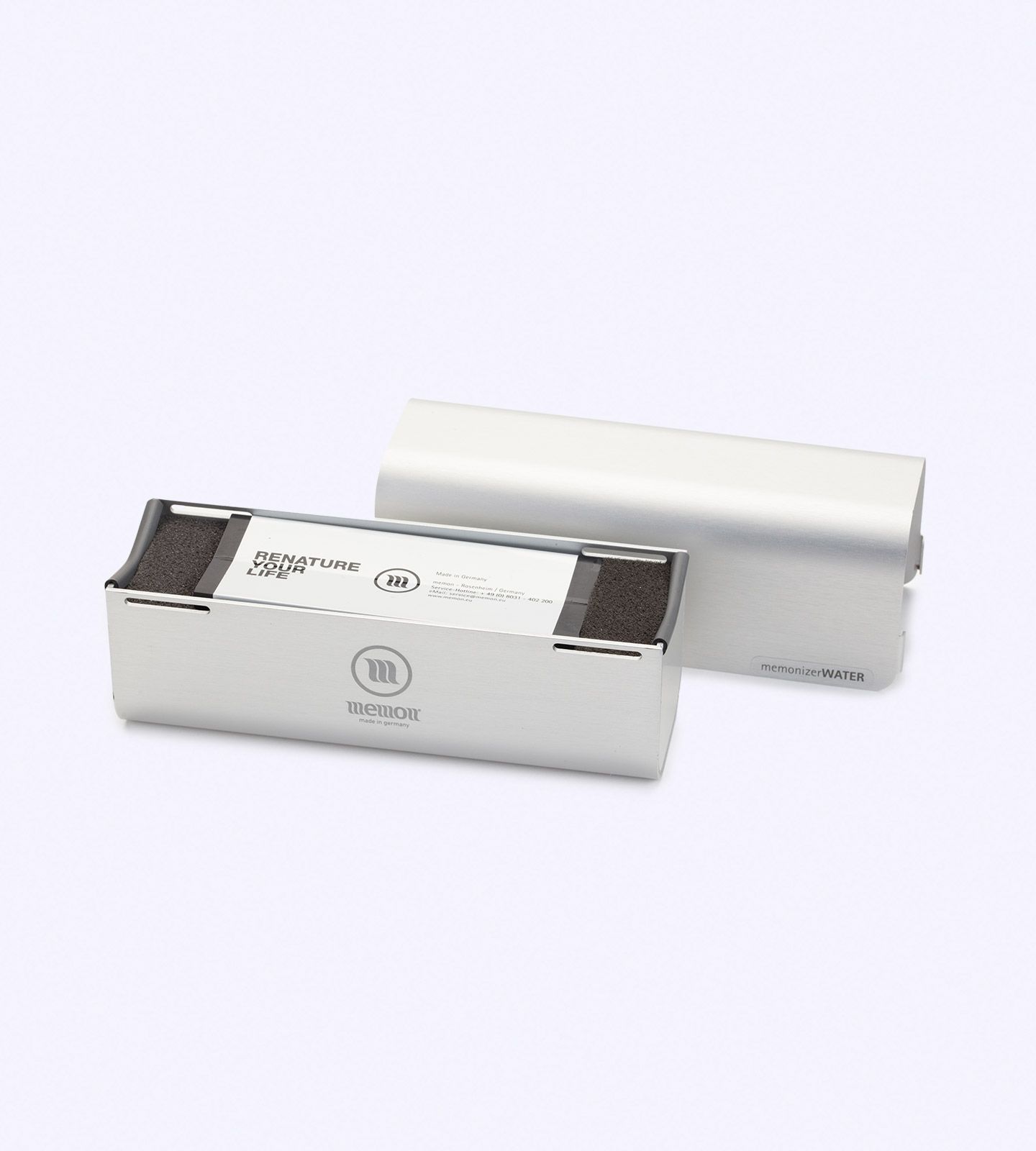
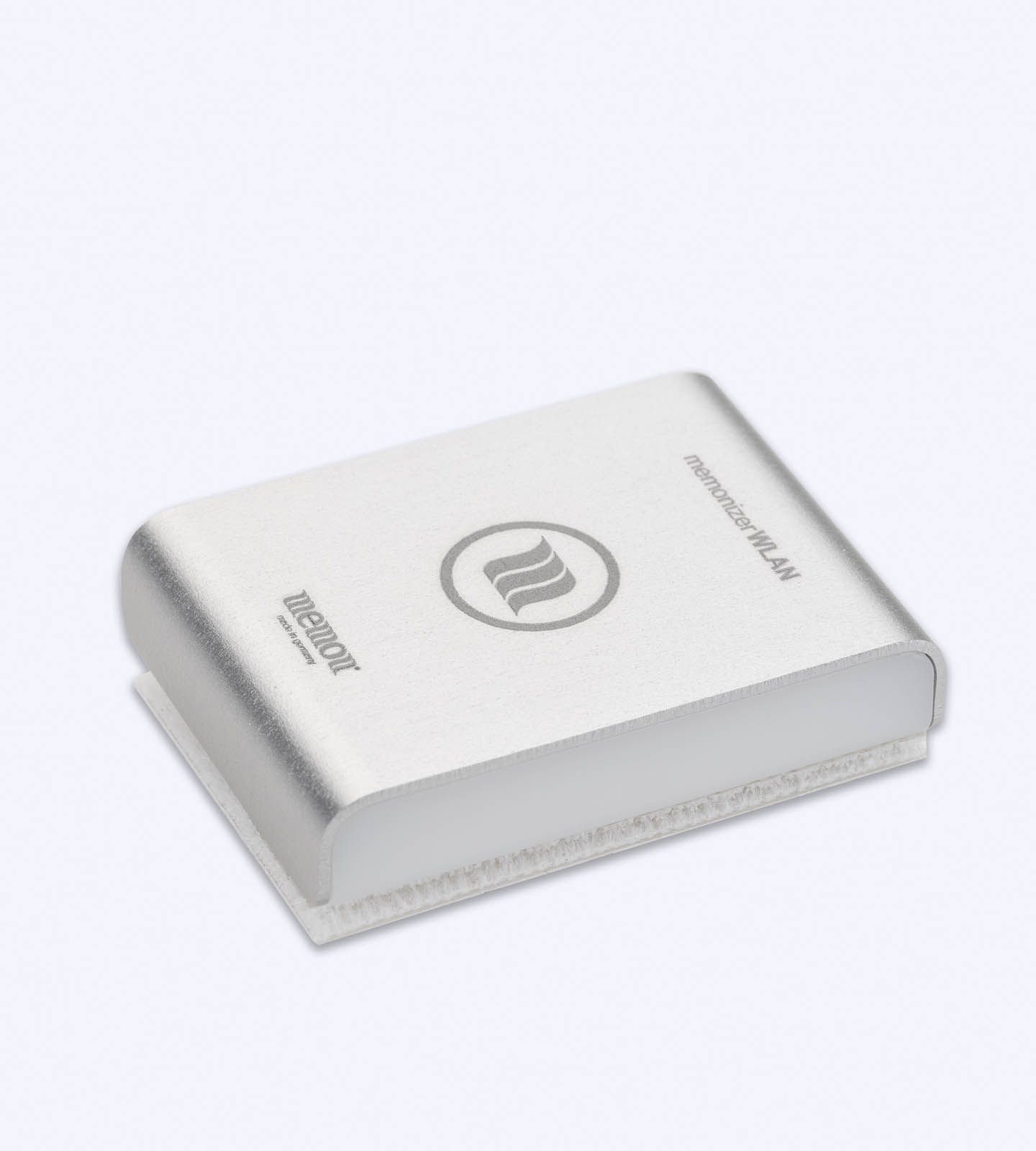
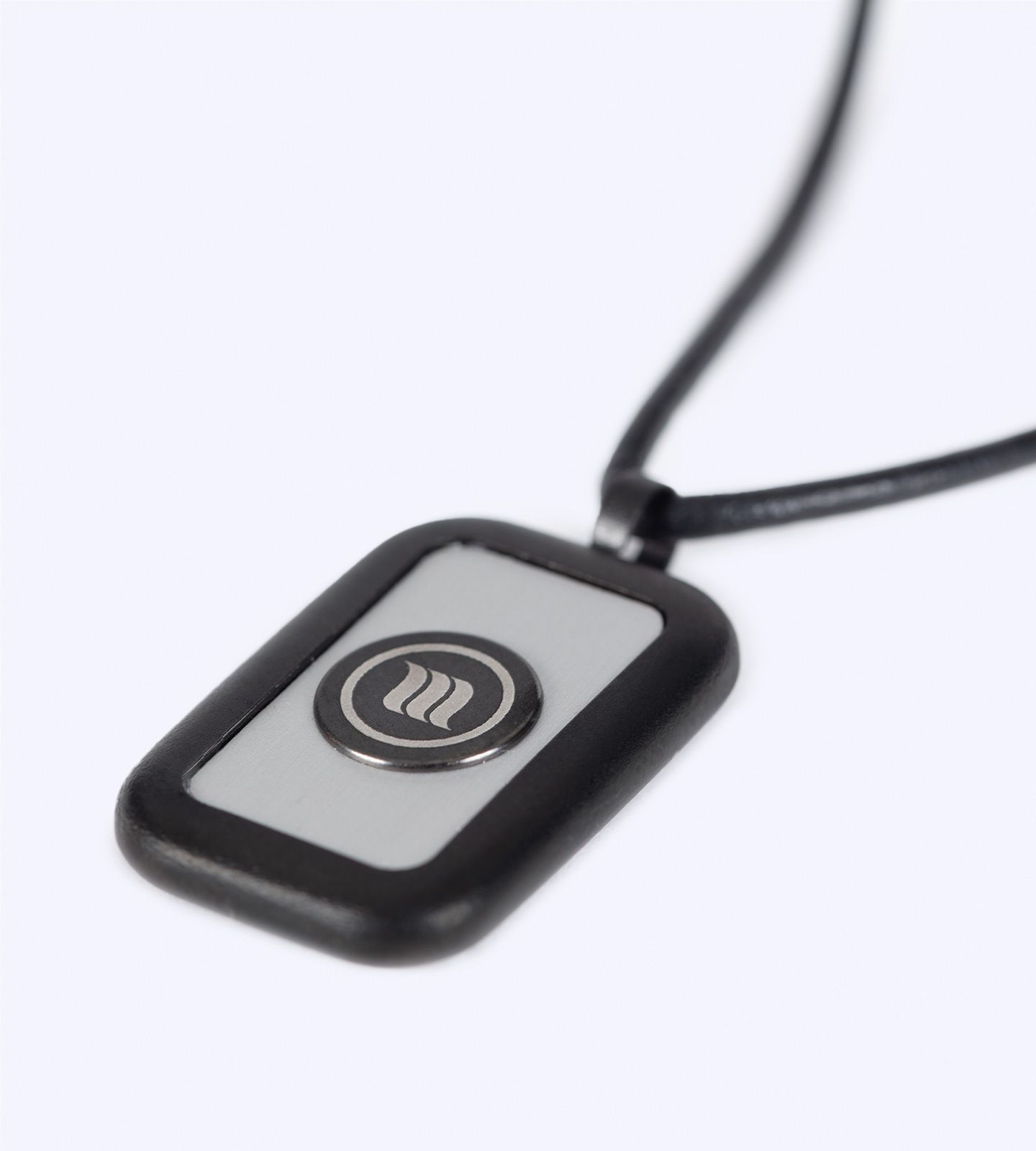
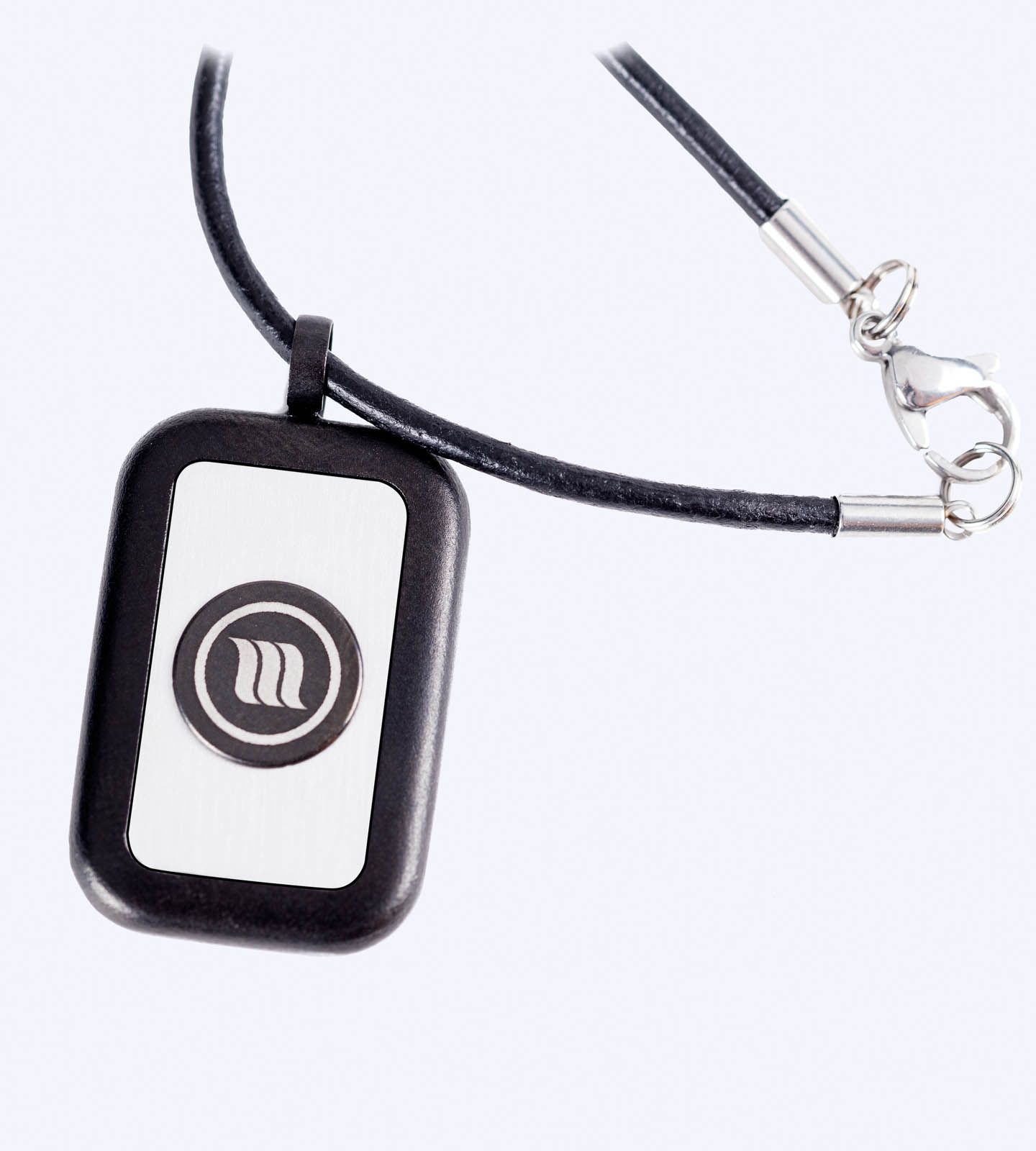
MemonizerWLAN is an attachment intended for compatible Wi-Fi routers, repeaters, and selected network equipment. Memon presents it as a companion product to MemonizerCOMBI, and Your Serenity recommends confirming device compatibility, placement, and quantity guidance before ordering.
It is important to keep the scientific and commercial discussions separate. Public-health authorities evaluate RF exposure and health evidence using established measurement and exposure frameworks. Memon describes its products using its own technology and manufacturer positioning. A Memon product should not be treated as evidence that normal home Wi-Fi exposure has been proven harmful.
Your Serenity also states on its product pages that Memon devices have not been evaluated by the FDA for health-related claims.
MemonizerWLAN vs MemonizerCOMBI: Which Application Is Different?
| Product | Intended application on Your Serenity | What to review before ordering |
|---|---|---|
| MemonizerWLAN | Attachment for compatible Wi-Fi routers, repeaters and selected network equipment | Exact device compatibility, placement and quantity guidance |
| MemonizerCOMBI | Plug-in Memon product for compatible homes, offices and commercial spaces | Space size, model selection and installation guidance |
If you are comparing home and networking products, visit the Memon Home & Wi-Fi EMF Products category or the complete Memon product collection.
Frequently Asked Questions
Do Wi-Fi routers emit EMF?
Yes. Wi-Fi routers use radiofrequency electromagnetic fields to transmit data wirelessly. RF EMF is non-ionizing electromagnetic energy.
Is Wi-Fi router radiation ionizing radiation?
No. Wi-Fi uses non-ionizing radiofrequency energy. It is physically different from ionizing radiation such as X-rays and gamma rays.
How far should a Wi-Fi router be from where I sit?
No universal, medically established safe-distance number exists for every router. Follow the manufacturer’s minimum separation and installation instructions. If you personally want to reduce RF exposure, increasing distance is a straightforward way to reduce the field level measured at your location.
How far should a Wi-Fi router be from a bed?
Public-health authorities do not specify one universal bedroom distance because typical compliant Wi-Fi exposure is already below public limits. If you prefer less RF exposure while sleeping, place the router outside the bedroom or farther from the bed when that can be done without compromising the network.
Is mesh Wi-Fi worse for EMF?
A mesh network uses multiple access points, so there are more RF transmitters in the home. Actual exposure depends on node power, distance, traffic and placement. More nodes do not translate directly into the same proportional increase in personal exposure.
Should I turn my Wi-Fi router off at night?
It is not required by current public-health guidance. Turning Wi-Fi off will remove that access point as an active RF source while it is disabled, so some people choose to do it when the network is not needed overnight.
Is 5 GHz Wi-Fi more dangerous than 2.4 GHz Wi-Fi?
You can’t judge safety from the band name alone. Exposure depends on factors such as transmitted power, distance, traffic and equipment behavior, and RF exposure standards account for frequency.
Can I use Ethernet instead of Wi-Fi?
Yes. Ethernet can provide network access to stationary devices without requiring those devices to use Wi-Fi, provided their wireless radios are disabled. The router may still broadcast for other devices unless Wi-Fi is turned off.
What is MemonizerWLAN used for?
Your Serenity lists MemonizerWLAN as an attachment for compatible Wi-Fi routers, repeaters and selected network equipment. Review the current product page for compatibility, placement and quantity guidance before ordering.
Wi-Fi Router EMF: The Bottom Line
Wi-Fi routers produce measurable RF electromagnetic fields because that is how wireless networking works.
Current public-health guidance from agencies such as Health Canada and ARPANSA reports that typical Wi-Fi exposures are well below public exposure limits and does not identify established adverse health effects at those levels.
At the same time, distance and placement do affect the RF level at a particular location. If you prefer to reduce unnecessary exposure, you can make practical choices—use sensible placement, avoid keeping a router directly beside frequently occupied spots when it is unnecessary, use Ethernet for fixed devices, remove redundant network equipment, and turn Wi-Fi off when you genuinely do not need it.
The key is to make those decisions from accurate information rather than fear.
If you are considering a Memon product for your networking setup, review MemonizerWLAN, compare the Home & Wi-Fi product options, or contact Your Serenity for product-selection guidance.
About Your Serenity
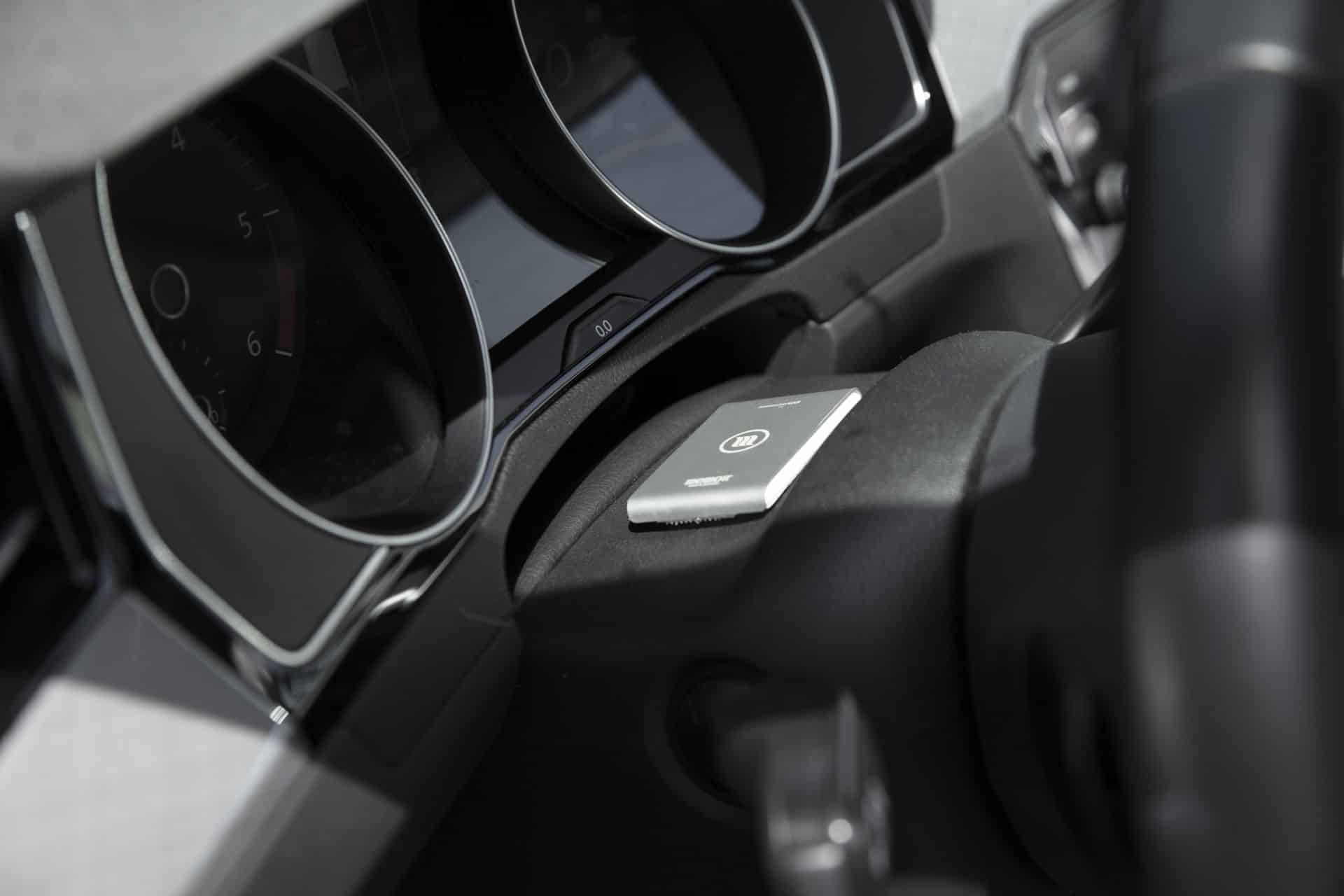
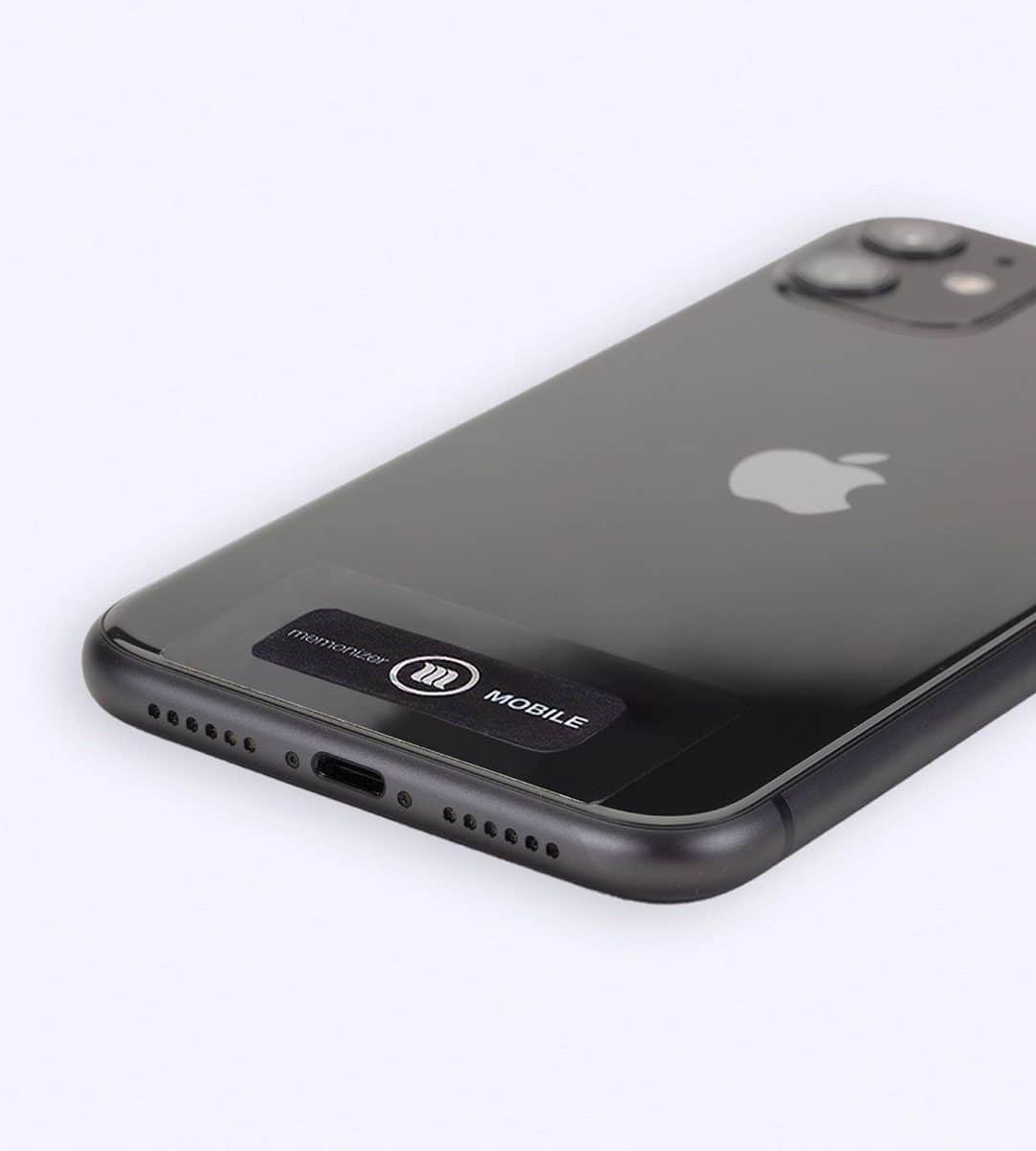
Your Serenity provides Memon product information, online ordering and product-selection guidance for customers comparing products for homes, Wi-Fi networks, mobile devices, vehicles and other everyday environments.
Transparency note: Your Serenity sells Memon products. Scientific statements in this article are separated from manufacturer product descriptions. This article is for general educational purposes and is not medical advice, diagnosis, or treatment.