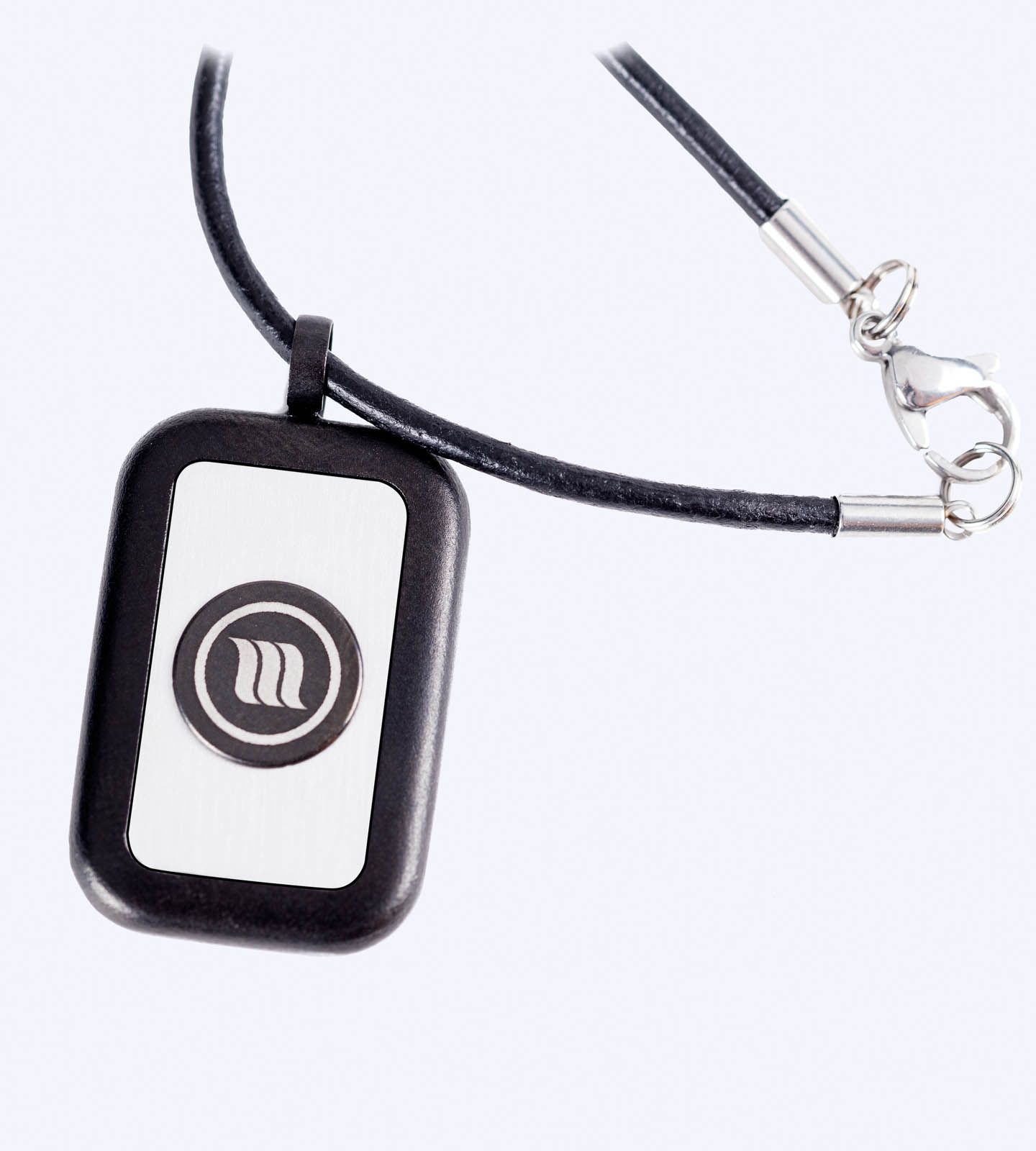
In many jobs today, a computer is a necessity. There is also a vast amount of entertainment content accessible through computer terminals and related consumer devices, leading many people to spend even more time in front of screens for leisure. Have you ever asked, “Can my computer harm me?” The honest answer is yes — especially without proper safety measures to reduce exposure to EMF radiation. This is where Electromagnetic field protection computer solutions become essential. By understanding EMF risks and applying smart protection strategies, you can create a safer digital environment. Your Serenity, Inc. is dedicated to helping you build a healthier, more protected workspace through practical and effective EMF awareness.
What Are EMFs and a Computer?
Every single electronic device emits some electromagnetic radiation. Your computer, whether a laptop or a desktop, emits electromagnetic radiation. Most of the time, the levels of EMF present in an electronic device are not an issue, but some people can be sensitive to EMF radiation, which can result in fatigue, headaches, stress, or altered sleep patterns. It is these kinds of injuries that computer EMF protection can mitigate. It is possible to keep enjoying modern tech if you develop some good habits and use tools that keep your exposure to electromagnetic radiation at a safer level.
1. Stay Away From Devices
You can reduce your exposure to electromagnetic fields by avoiding devices. The closer you are to the source, the stronger the fields and the stronger the fields. If you have the option, use external keyboards and monitors.
2. Wear EMF Protection Gear
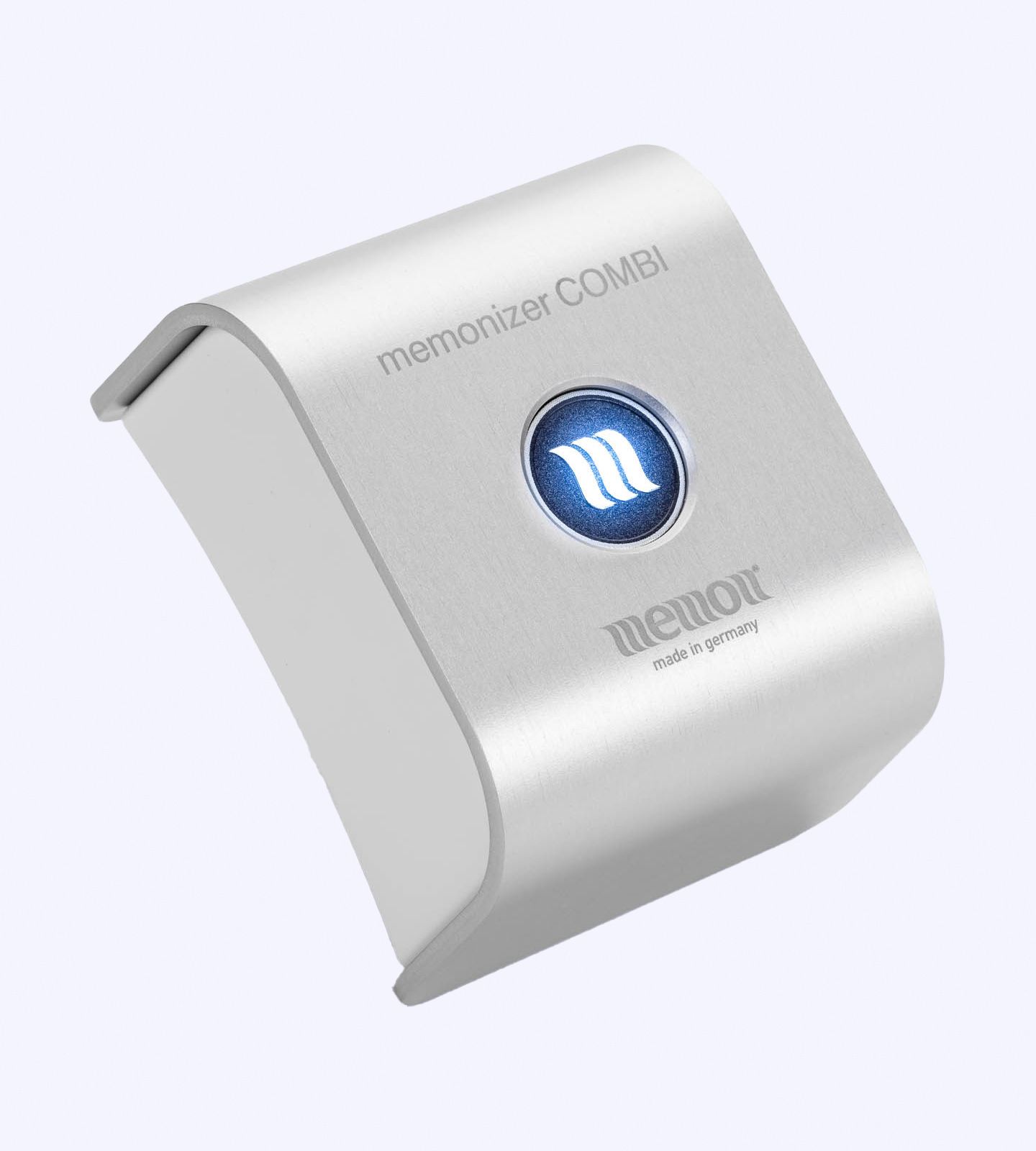
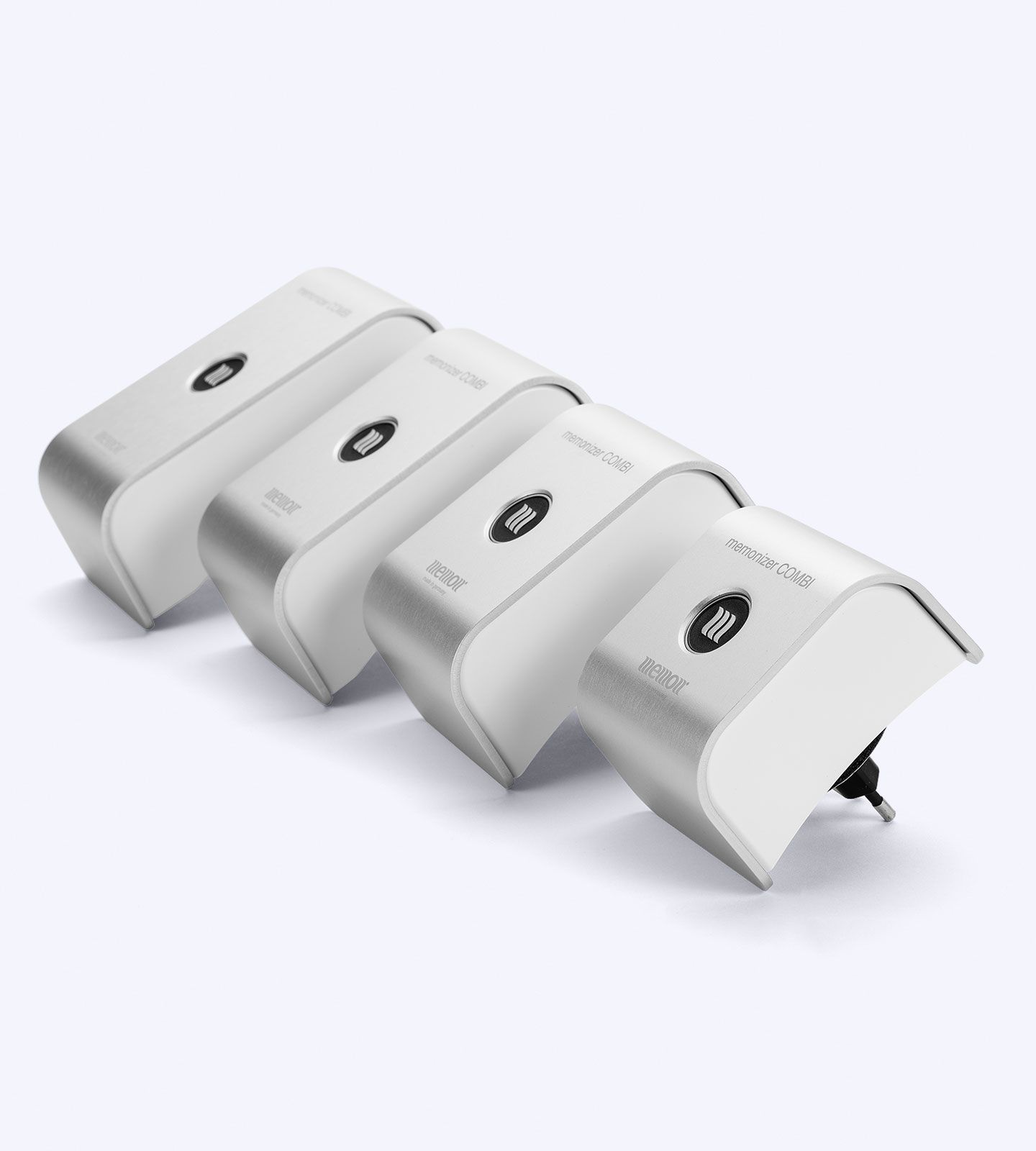
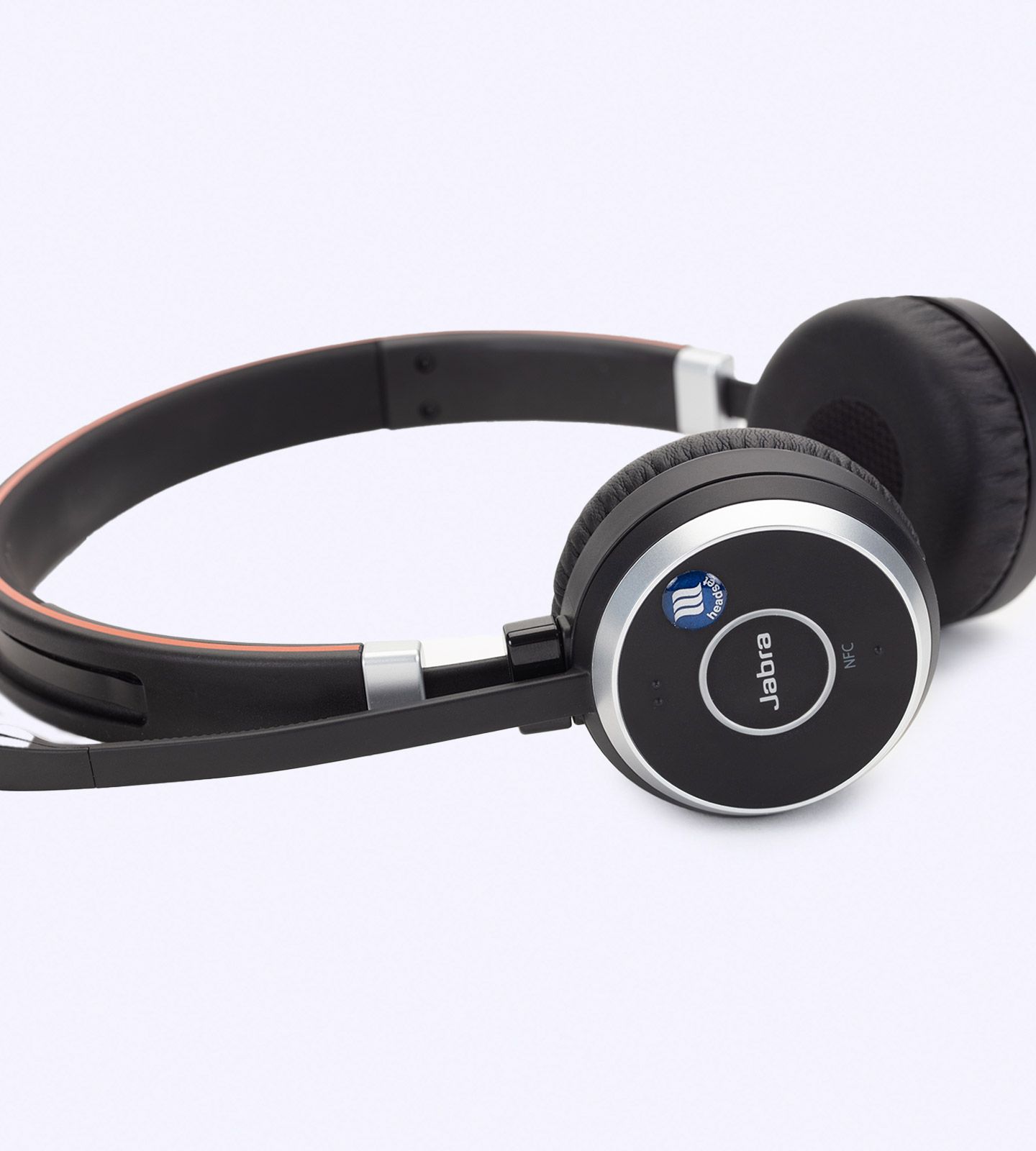
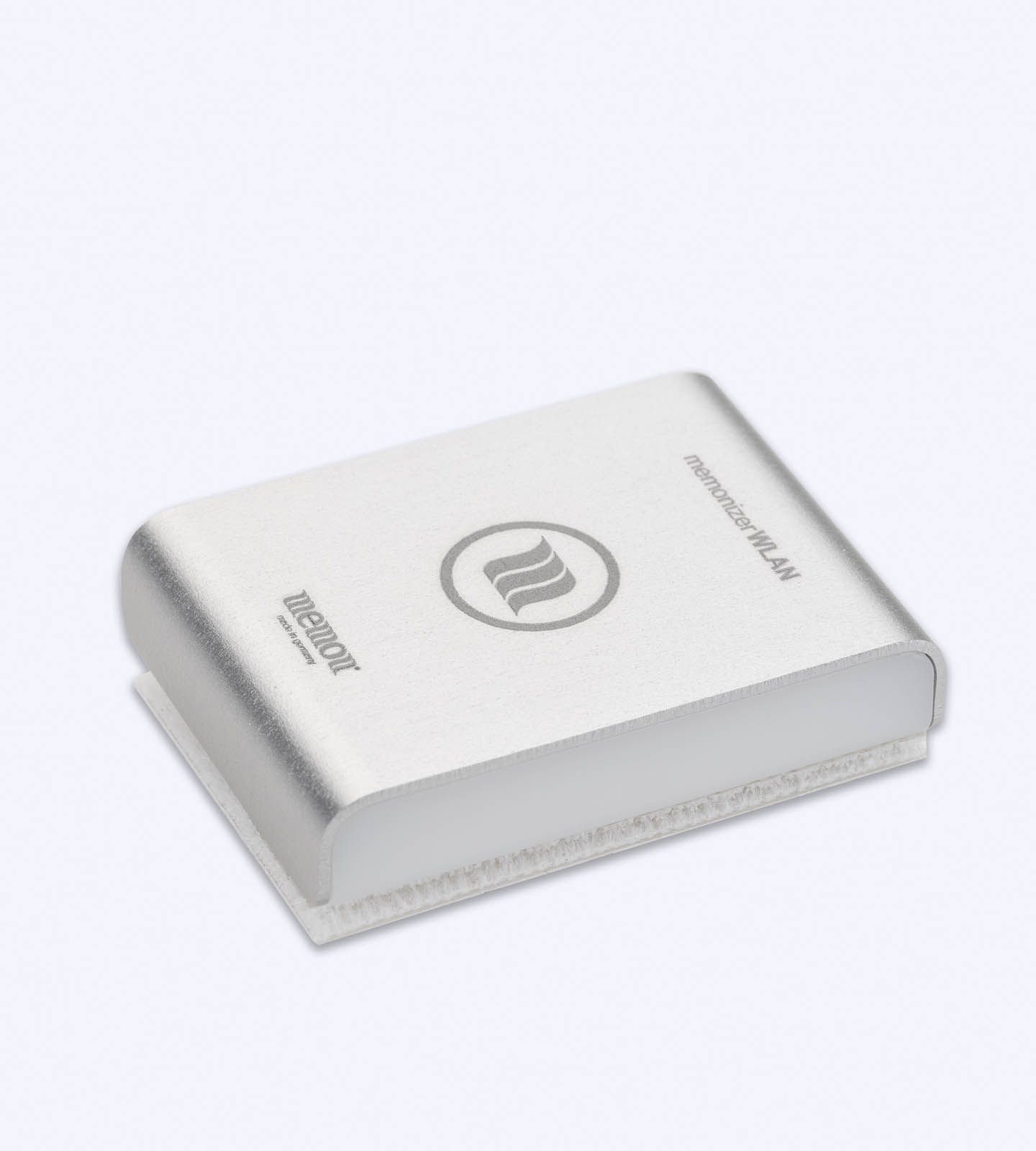
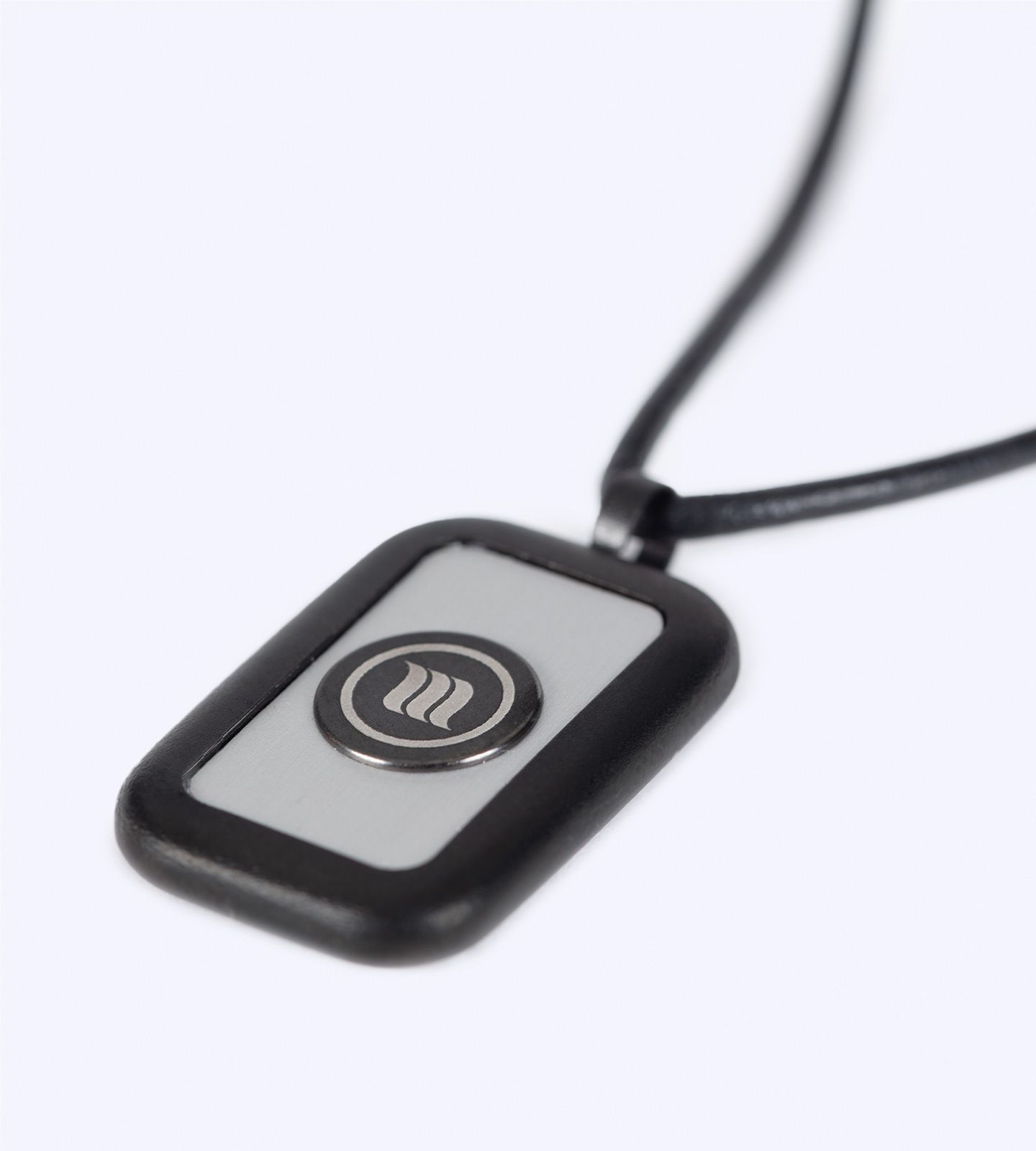
Some products are designed mostly for EMF protection by creating a barrier. These products include EMF mats you can use under your laptop, protection cases for your laptop and tablet, and radiation shielding pads for your desk. All these products will reduce the amount of radiation you come into contact with and can help you be more productive. At your serenity, we suggest certified EMF products.
3. Fewer Wireless Connections
Devices connected via wired connections are better to use. Use an Ethernet cord, and if possible, use an Ethernet cord instead of wireless. If the Bluetooth is controlled wirelessly, turn it off. The EMFs absorbed by the body can be reduced.
4. Remember to take breaks from your screen!
The longer your screen is on, the longer your eyes are strained, the more your back is forced into poor posture, and the greater your cumulative EMF exposure becomes. A good method to alleviate these concerns is the 20-20-20. This method is best applied by looking away from your screen and focusing on an object 20 feet away for 20 seconds. Also, you should take the time to step outside to stretch. Taking short breaks or even standing outside to stretch will help calm your stress, and your body will be less exposed to EMFs.
5. Optimize your workspace
Making your workspace safe from EMFs is necessary and can be done fairly easily. Carefully arrange your high-EMF electronics so you don’t have to be near them, and use a grounded power strip. This will minimize your body’s exposure to EMFs for radiation. It is also important to position your computer screen at your eye level so you do not have to lean forward to type. With all of these things optimized, you will improve your health, comfort, and productivity.
6. Change a few settings on your computer
Many people don’t think about their computer settings when thinking about exposure to EMF radiation. You should do this because it can help you reduce your exposure to electromagnetic radiation. First, reduce your screen brightness and use night mode and blue light filters to protect your eyes. Then you will be exposed to less EMF radiation, making night mode even more useful.
7. EMF Awareness and Technology Mindfulness.
The first step to prevention is recognizing EMF exposure. Laptops should not be placed on laps, and sleeping apps should not be placed inches from the head. With the right choices, technology can be used with minimal health risk. Your Serenity Inc wants customers to focus on prevention and awareness.
FAQs
1. Should computer EMF be a concern?
Computer EMF is considered low-level and is safe to use. Smart habits will further exposure and reduce health concerns.
2. What is the best EMF protection for computers?
EMF shielding mats, anti-radiation pads, and other certified protection cases. These, along with distance and mindful use, provide the best protection.
3. Does using Wi-Fi increase EMF exposure?
Wi-Fi and Bluetooth are both wireless and emit more EMFs than wired connections. Using Ethernet and wireless when not in use reduces EMF exposure.
4. How far should I sit from my computer to reduce EMFs?
A distance of 20-24 inches is best, and external monitors and keyboards can help further reduce the distance, though they may not improve productivity.
5. Does taking breaks help reduce EMF exposure?
Of course! Taking frequent breaks is a good habit that protects you from EMF exposure and reduces eye strain and fatigue.